Features
Everything Modularity does, explained without jargon
Each module takes care of one part of your day. These are real screenshots from the demo, with a sample repair shop.
Dashboard
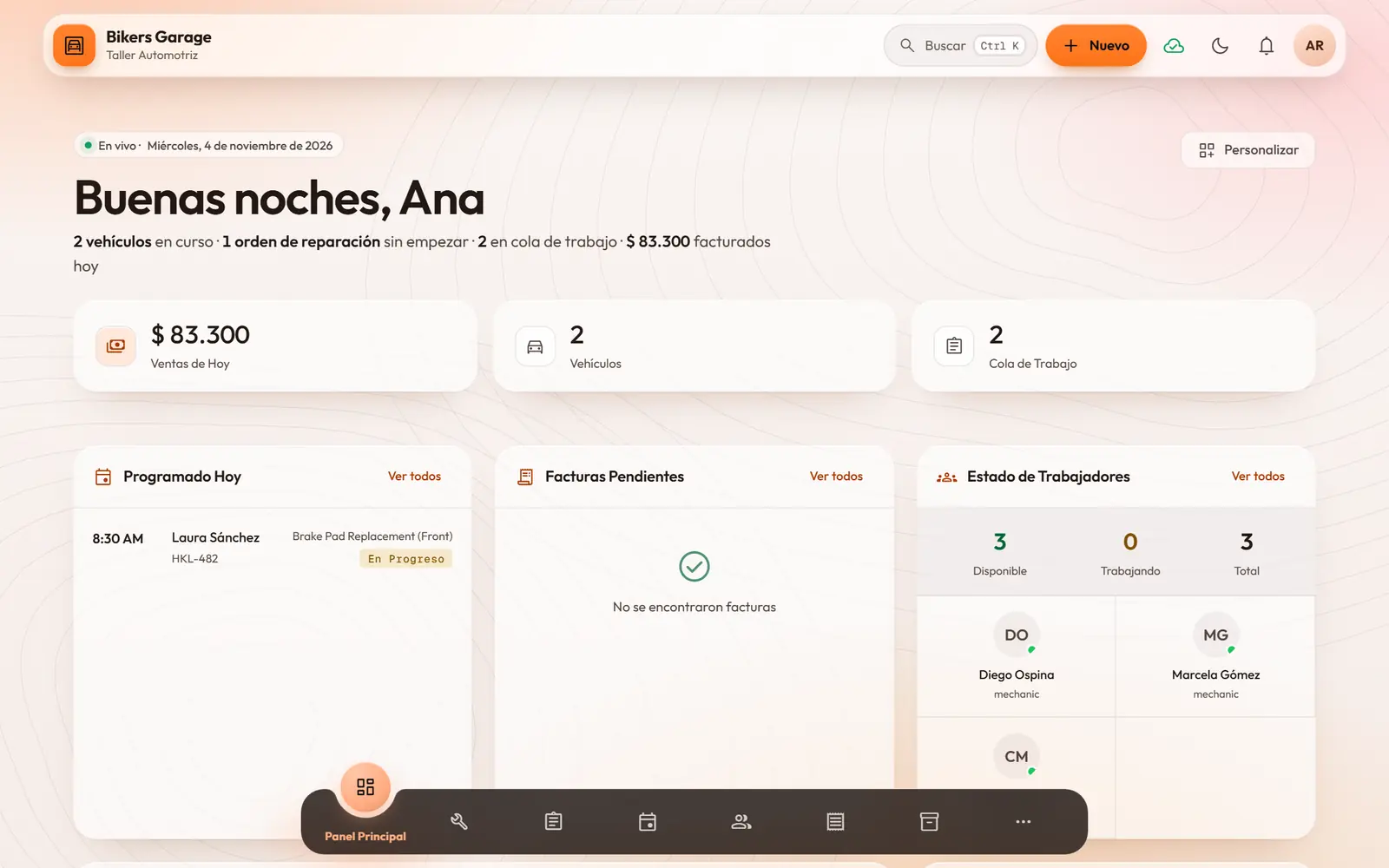
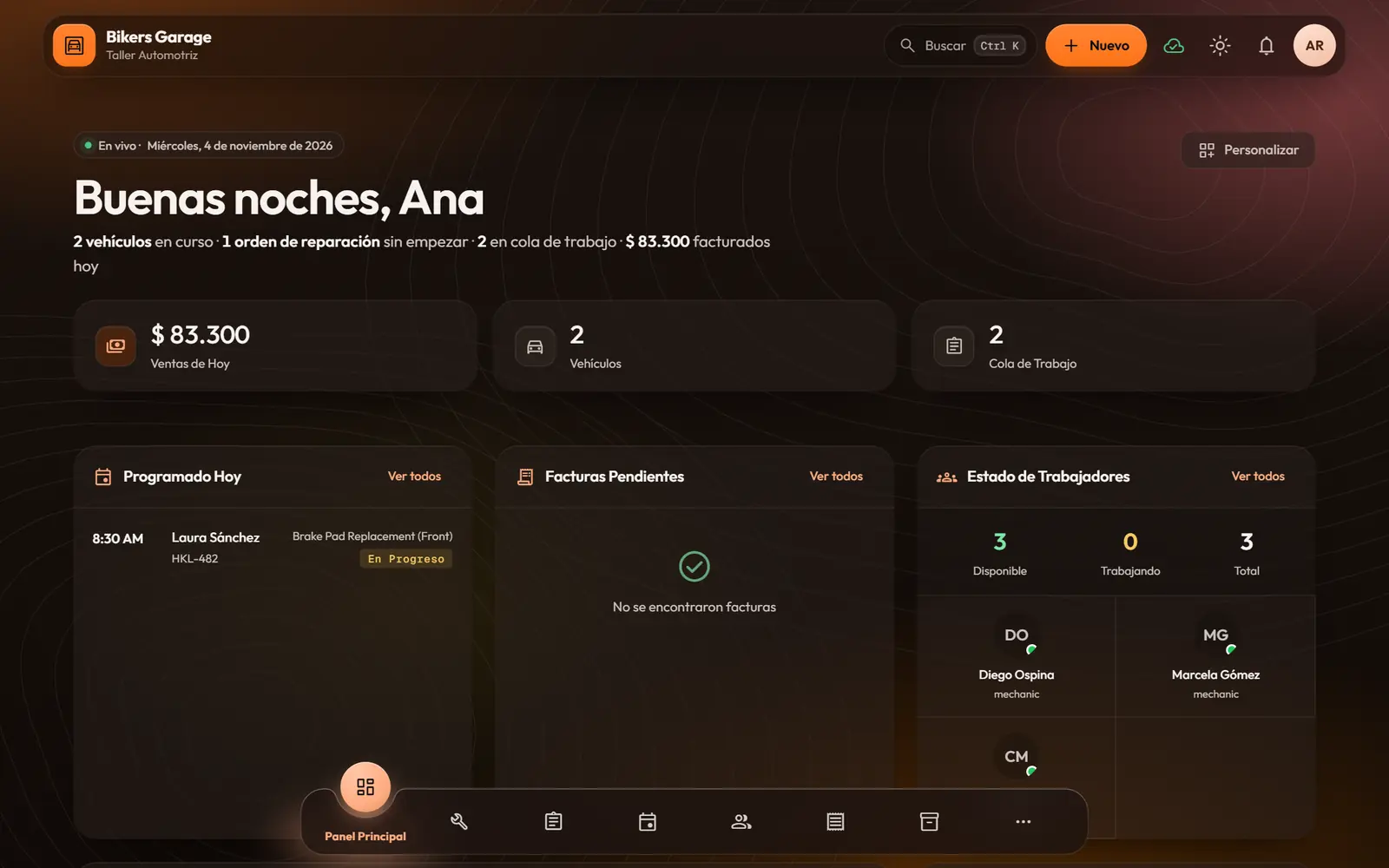
You open the day and see at a glance how it is going: what is in progress, what is still unpaid and who is free.
- A greeting with the day in one line: work in progress, what is pending and what you billed today.
- Cards you can turn on, hide and reorder.
- Charts for sales, services, average ticket and payment methods, compared with the previous period.
- Every chart can also be read as a table.
Service orders
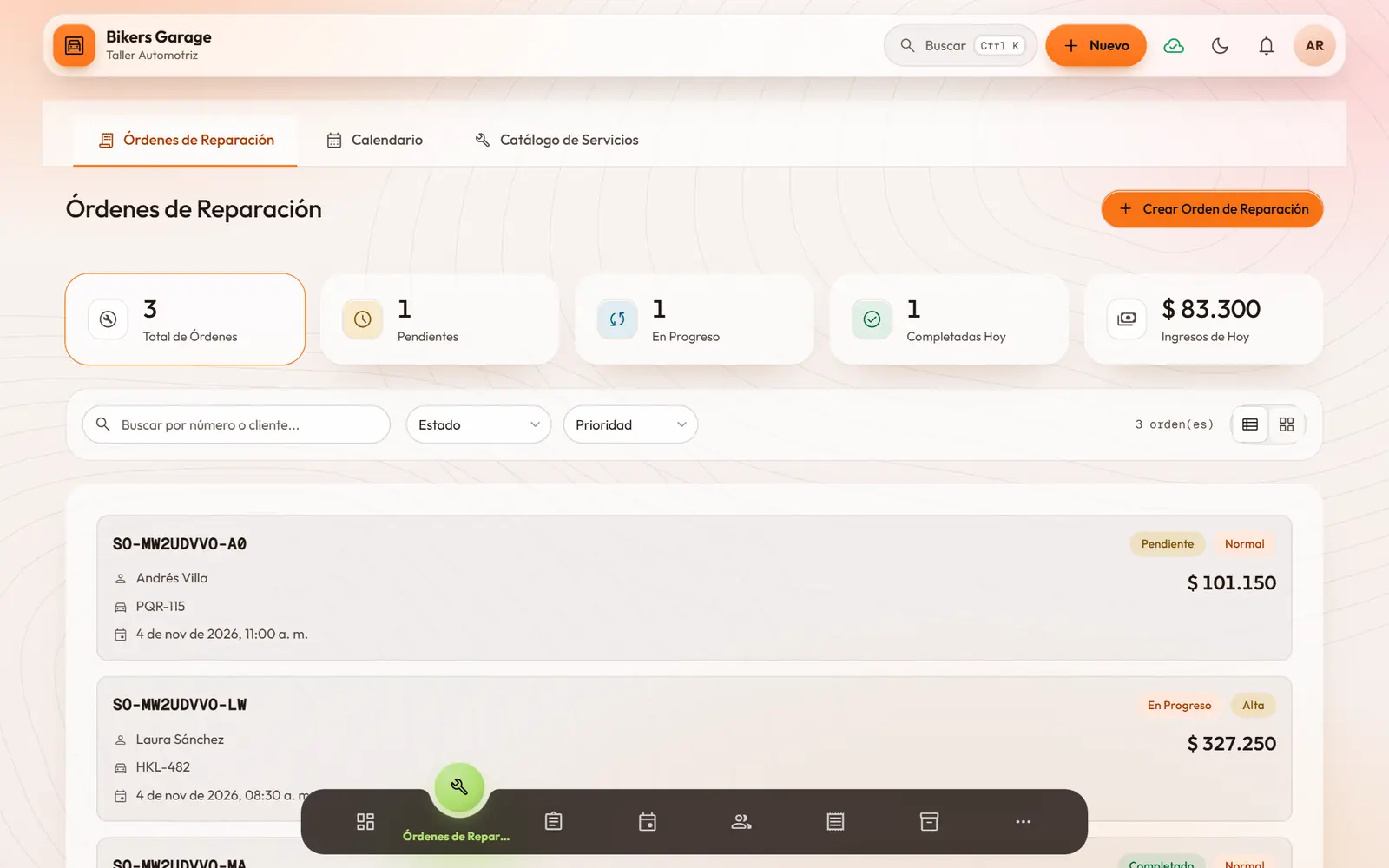
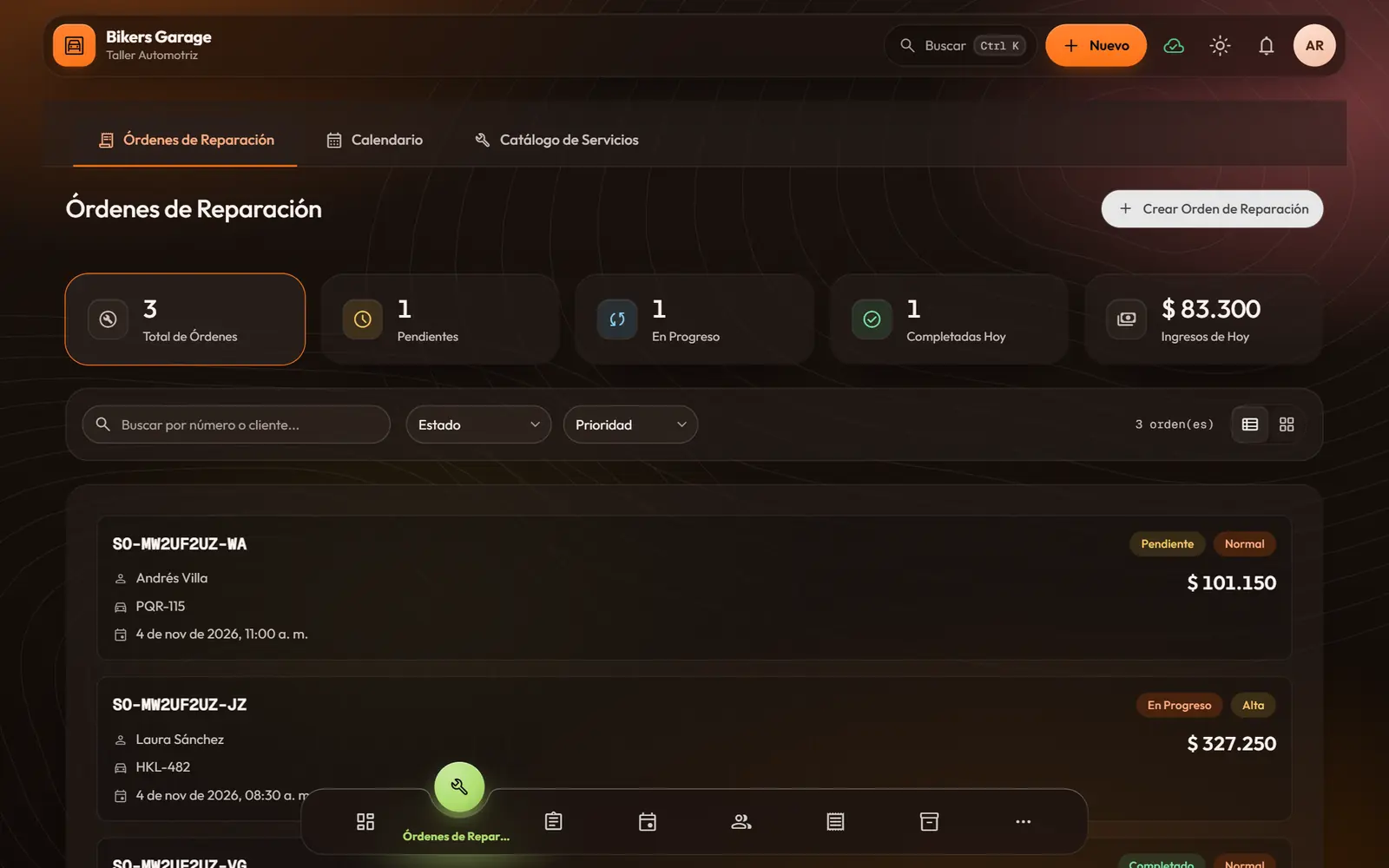
Every job with its whole story: who brought it in, what was done, what was used and what it costs.
- Repair orders, appointments or visits, depending on your business, tied to the customer and their vehicle or equipment.
- Catalog services at a fixed or hourly price, plus parts or supplies taken out of inventory.
- Notes for the customer and internal notes, each in its place.
- One click sends the job to the team’s queue.
- For made-to-order work: promised date, delivery method and deposit.
- Each customer’s history: what they have spent, their favorite services and how often they come back.
Calendar and waitlist
Appointments stop living in your head or in three notebooks: everyone knows when and with whom.
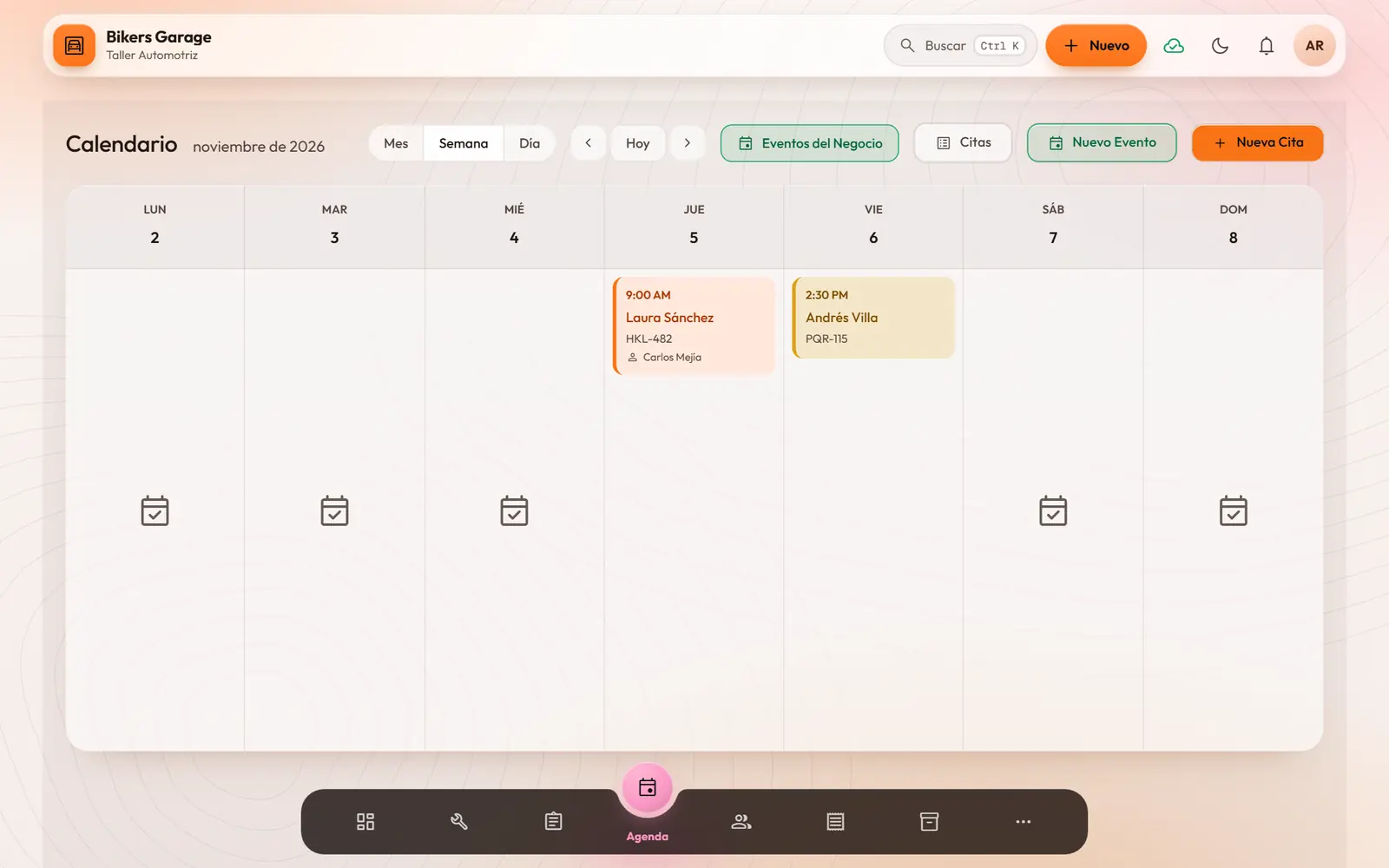
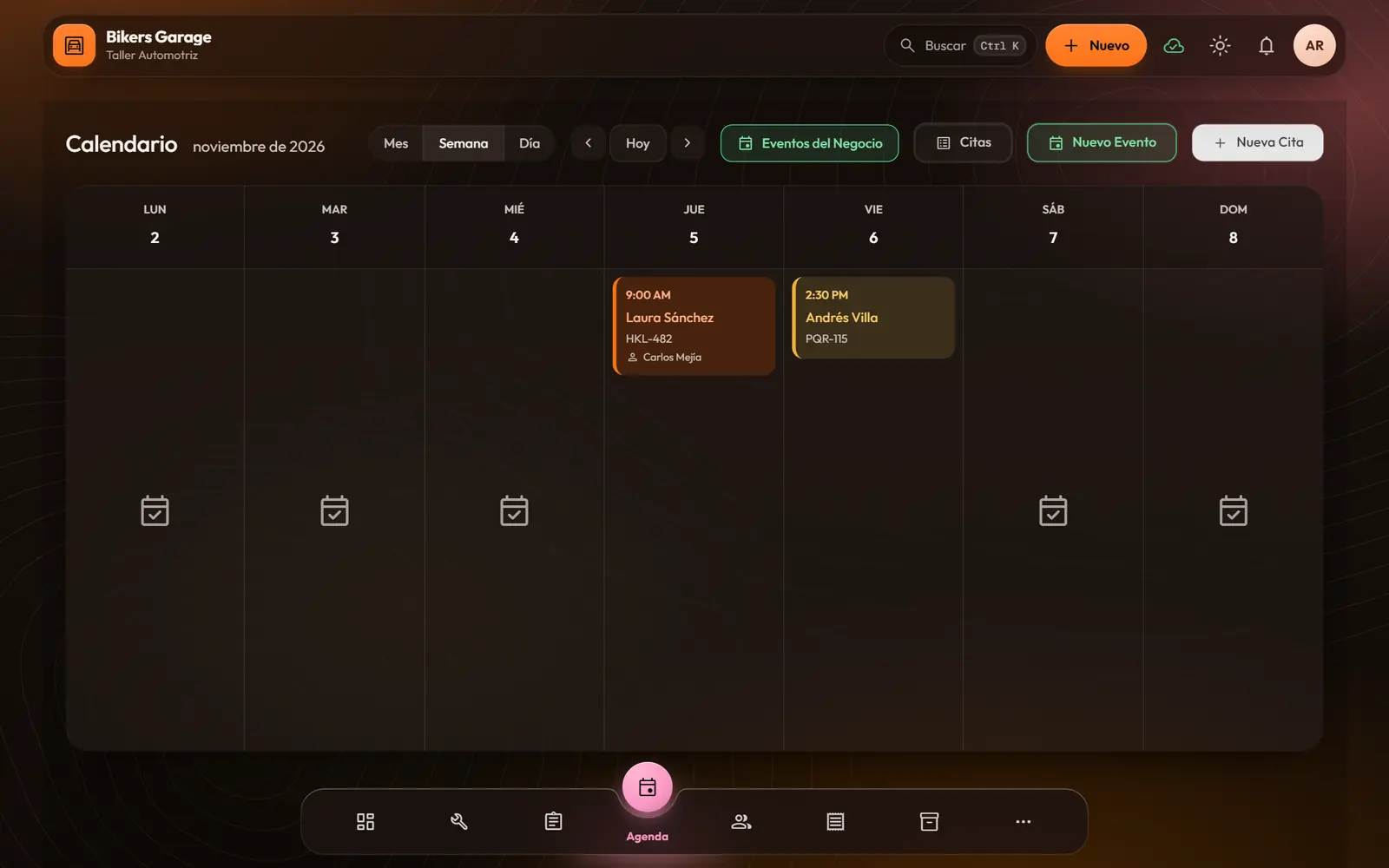
- Month, week or day calendar.
- Clear states: pending, confirmed, checked in, in progress, completed, cancelled or no-show.
- Each person’s availability and each space’s capacity.
- A waitlist with priorities: when a slot opens, you let the customer know and turn it into an appointment.
- Export appointments to PDF or CSV, and import them from a CSV template.
- Business events in the same calendar: supplier deliveries, payments or maintenance, with repeats and reminders.
Work queue
Your team knows what comes next without asking you. And you see, without chasing anyone, what is being done and what is stuck.
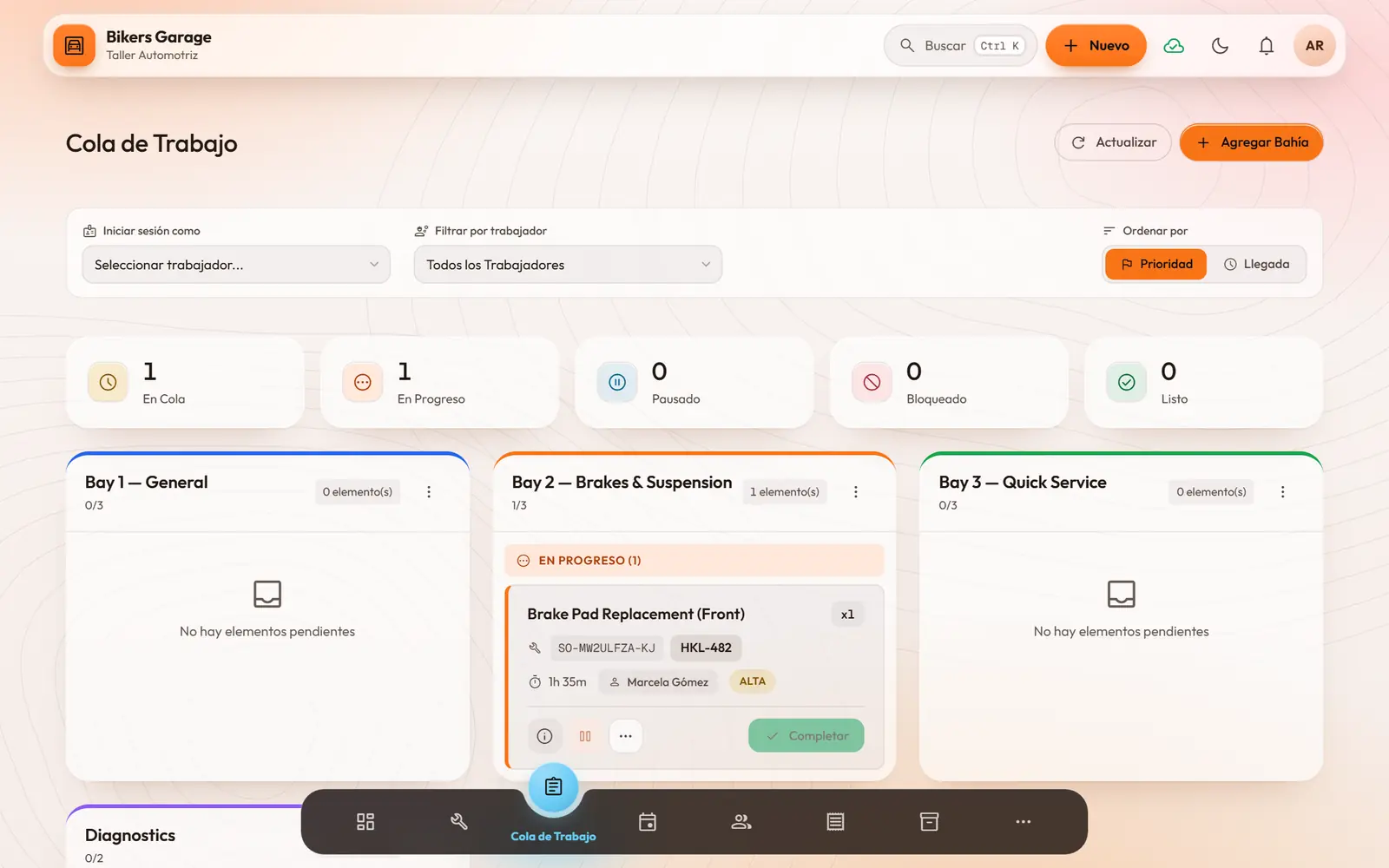
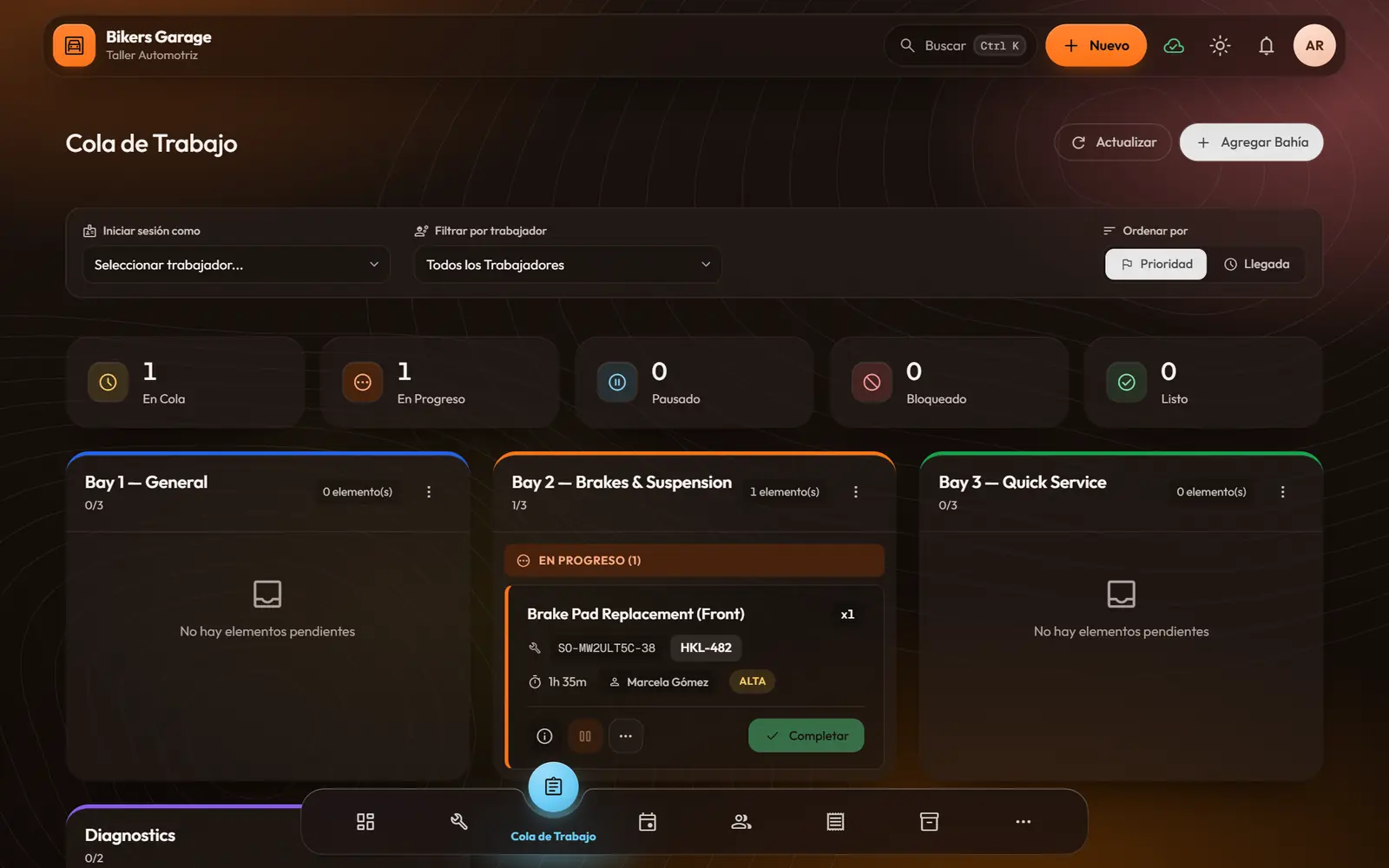
- Stations that fit your place (kitchen, bays, chairs, rooms), each with its capacity.
- Priority from low to urgent; sort by priority or by arrival.
- Start, pause, block with a reason and complete, with times recorded.
- Assign or reassign to whoever is on shift; everyone sees their own items.
- On a shared screen, switch who is working without logging out.
Orders, products and recipes
In the café or the shop, the order goes from the table to the kitchen and from the kitchen to the till, with no paper slips.
- Take orders by table or to go, with variants, extras and notes.
- “Out of stock” and “low stock” badges before you sell what you don’t have.
- The order moves along: sent to the kitchen, preparing, ready, served and paid.
- Your menu or catalog with categories, prep time and station.
- Recipes built from inventory ingredients: you see the cost, the price and your margin.
Turned on for cafés, restaurants and shops. The repair-shop demo does not show it, because a shop works with repair orders.
- Draft
- Sent to kitchen
- Preparing
- Ready
- Served
- Paid
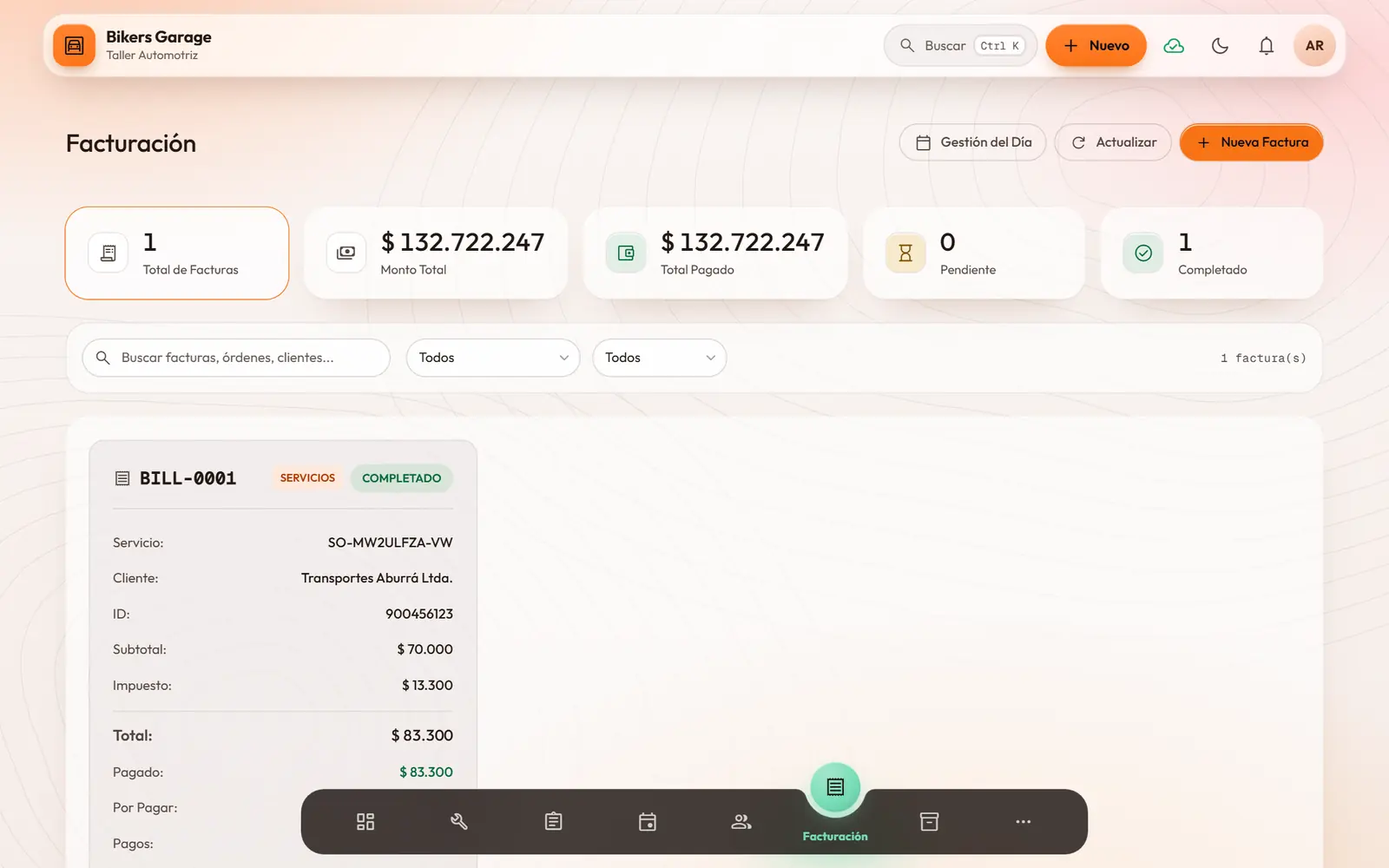
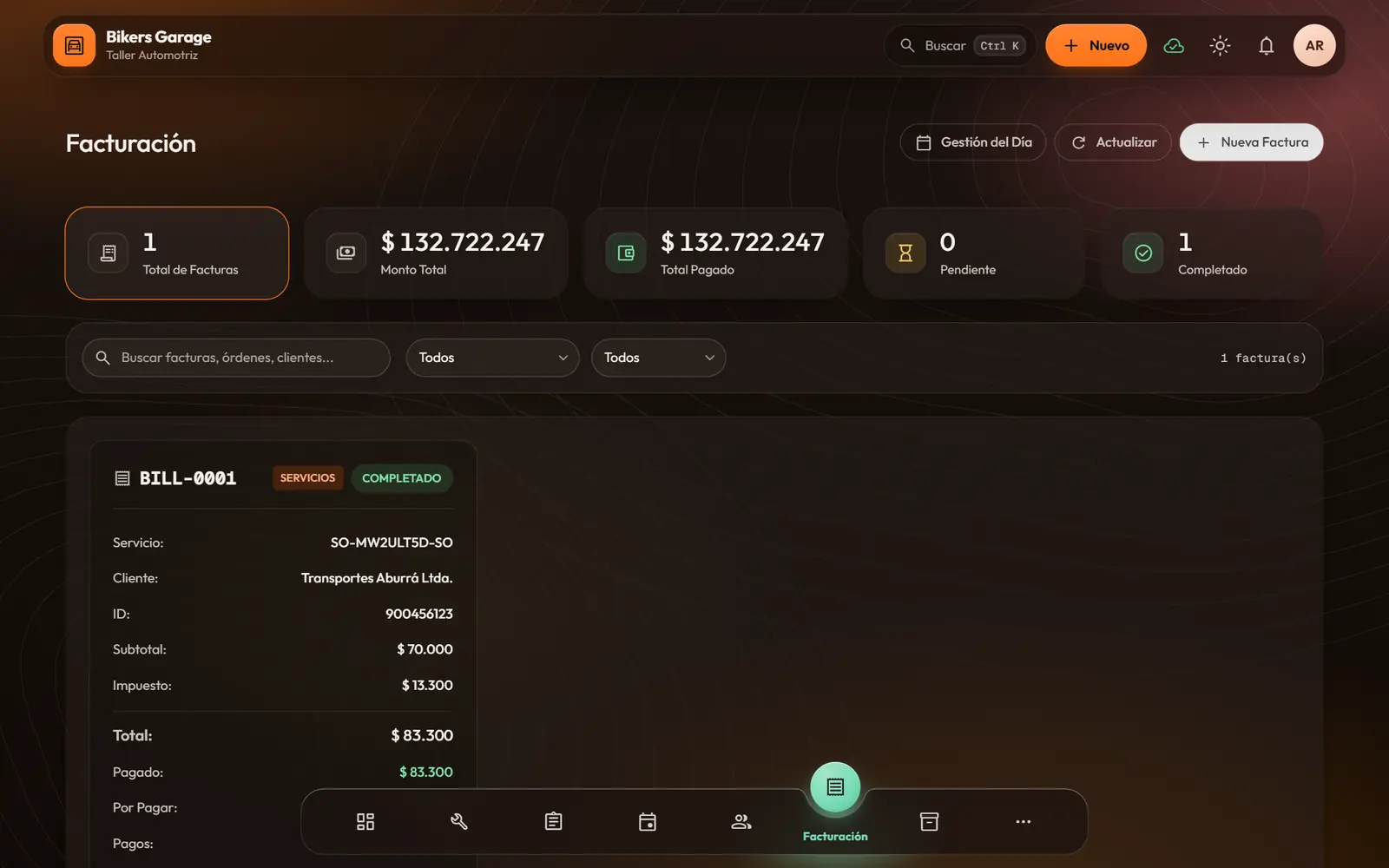
Billing and cash
You get paid with peace of mind and close the day knowing the money adds up.
- Bills from orders, from service orders or by hand, with tax, tip and discount.
- Cash, card or transfer payments; partial payments and change worked out for you.
- What you spent on what you sold and what you kept: profit and margin on every bill.
- Voiding a paid bill or giving a refund needs a supervisor’s approval, and nothing is deleted.
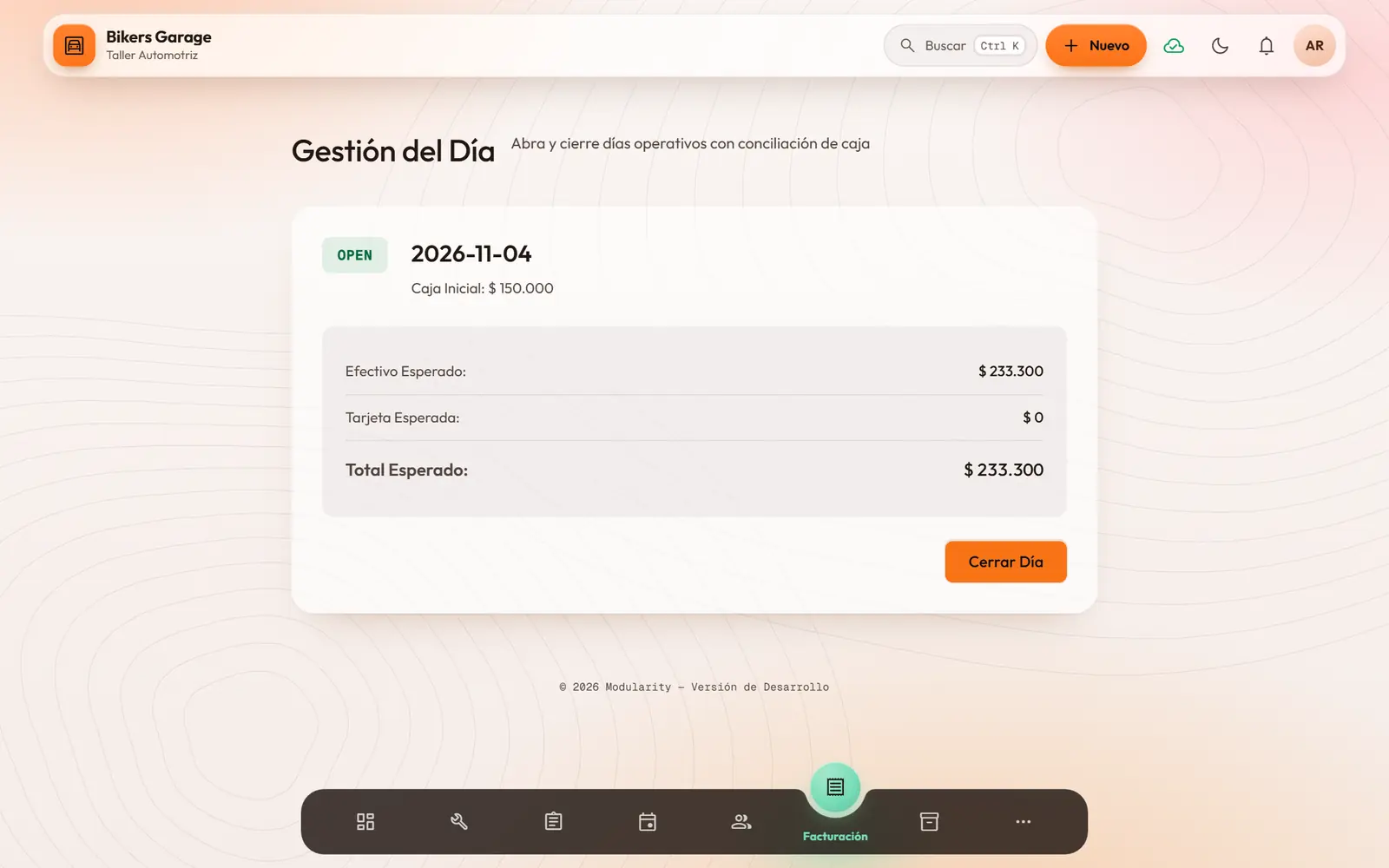
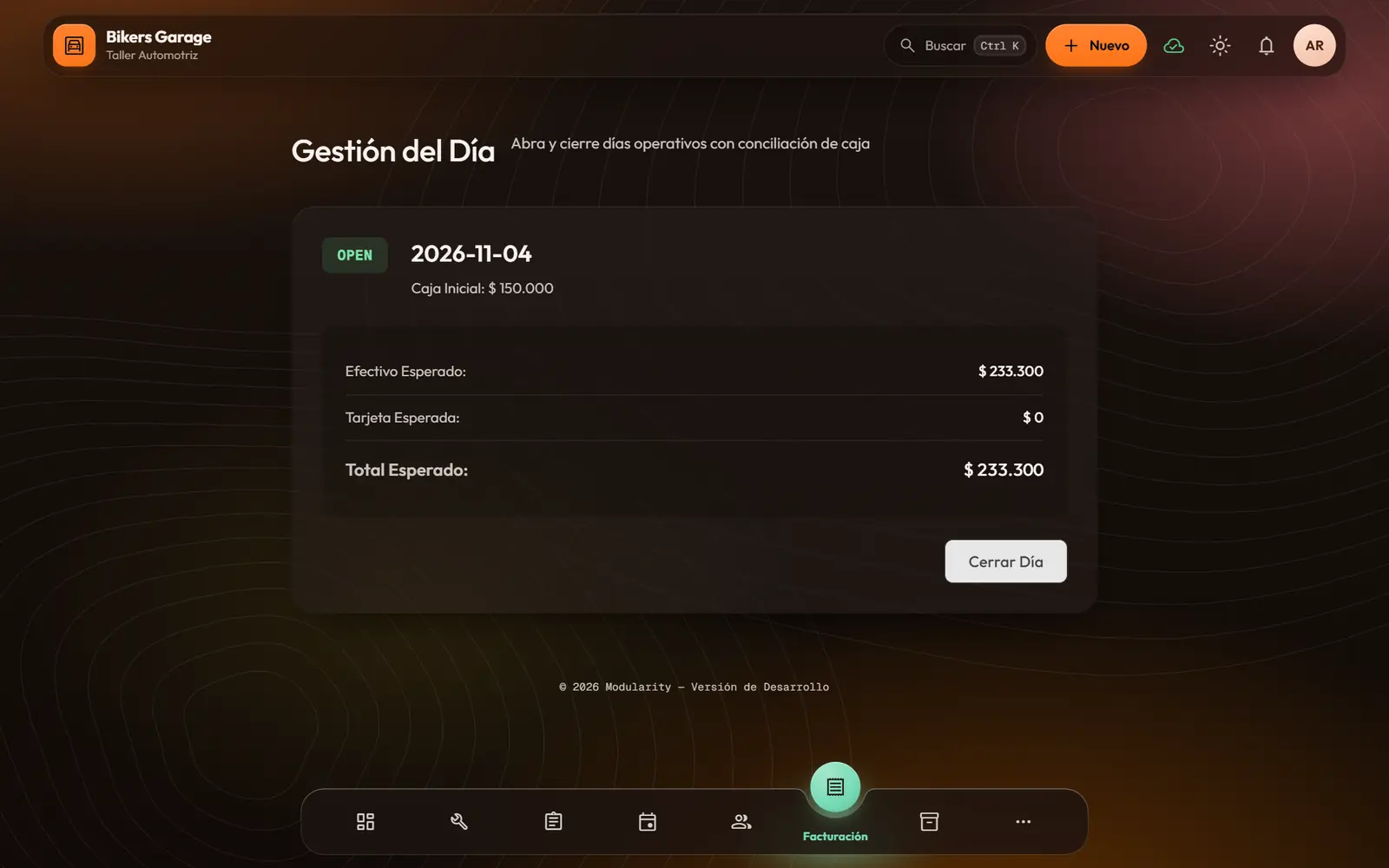
- Open and close the day: opening cash, expected versus counted, and any gap in plain sight.
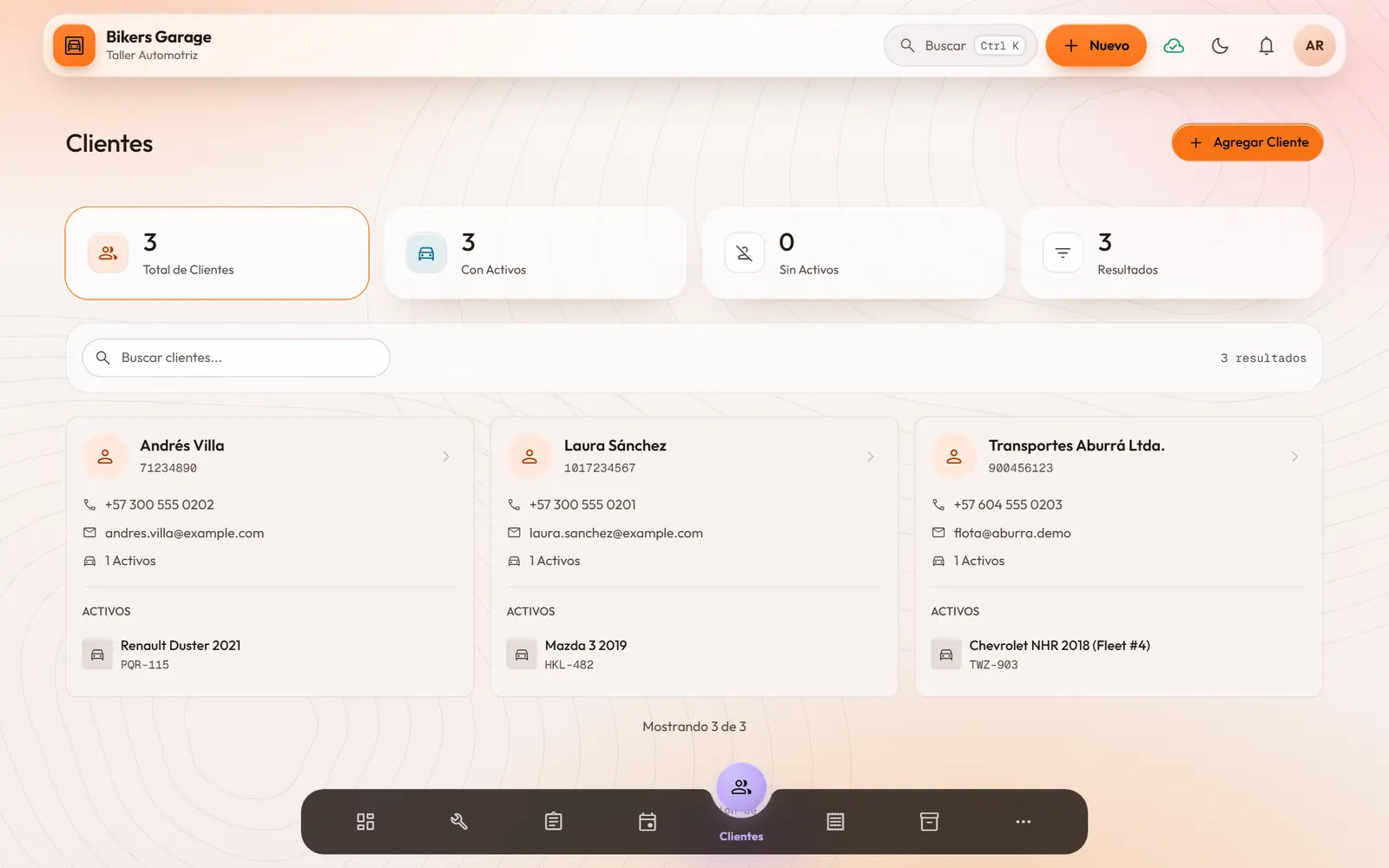
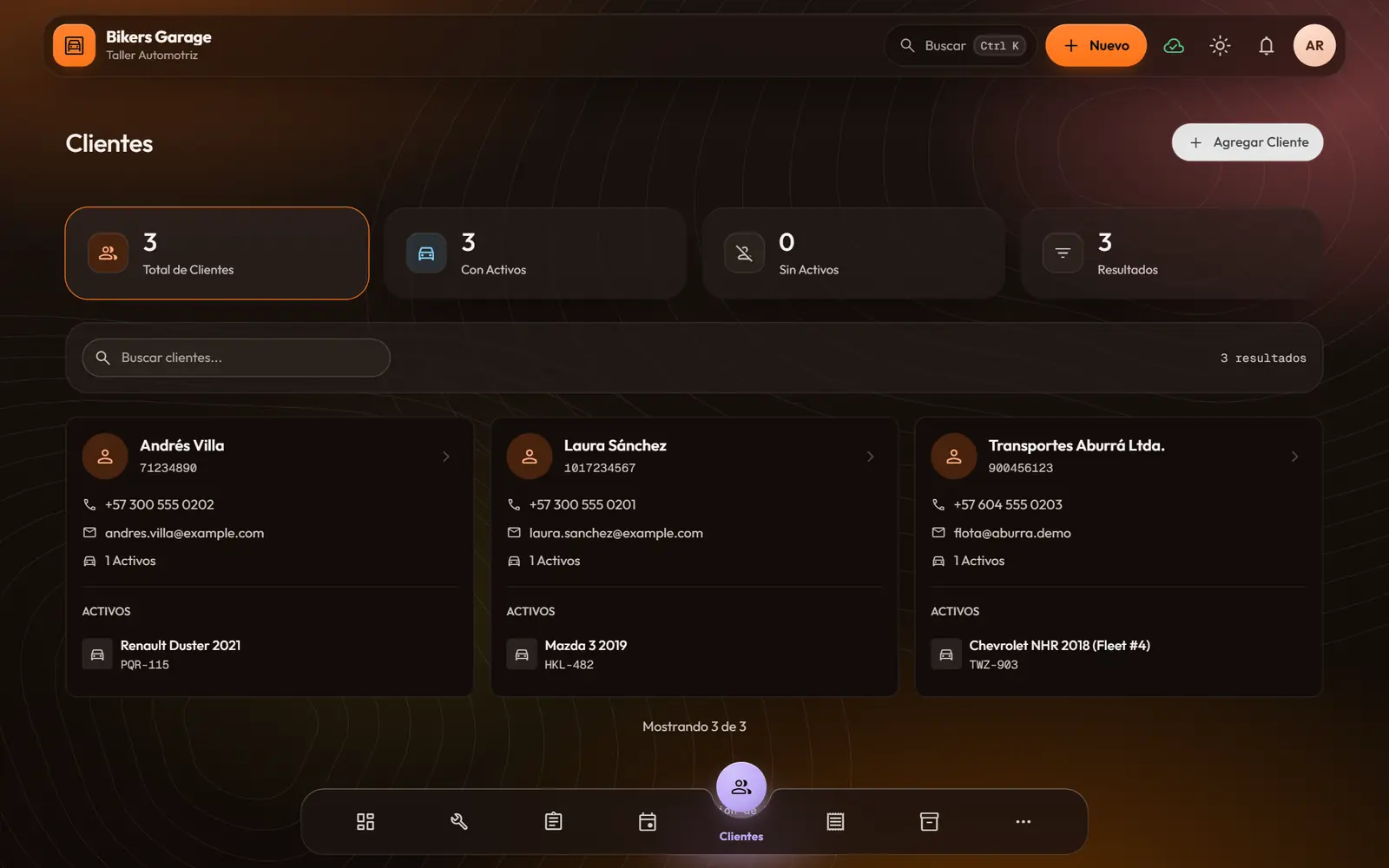
Customers
You remember every customer as if they were the only one: what they brought, what you did and when they came back.
- A profile with ID, contact details and notes.
- What they have spent, their visits, their average and their last visit.
- What they bring you: the car, the motorbike, the equipment, each with its service history.
- A view of each customer: lifetime value, favorite services and how often they return.
Inventory
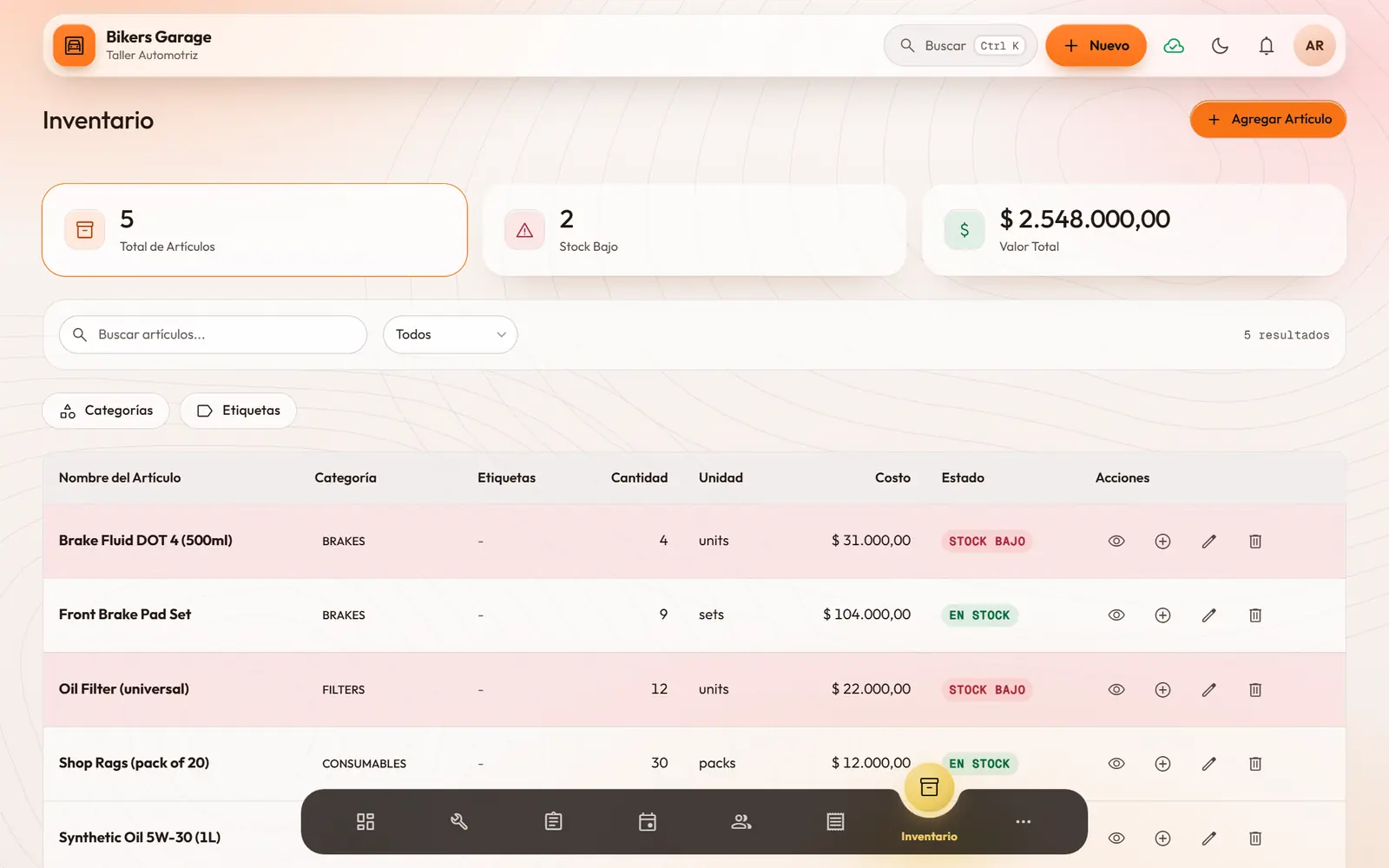
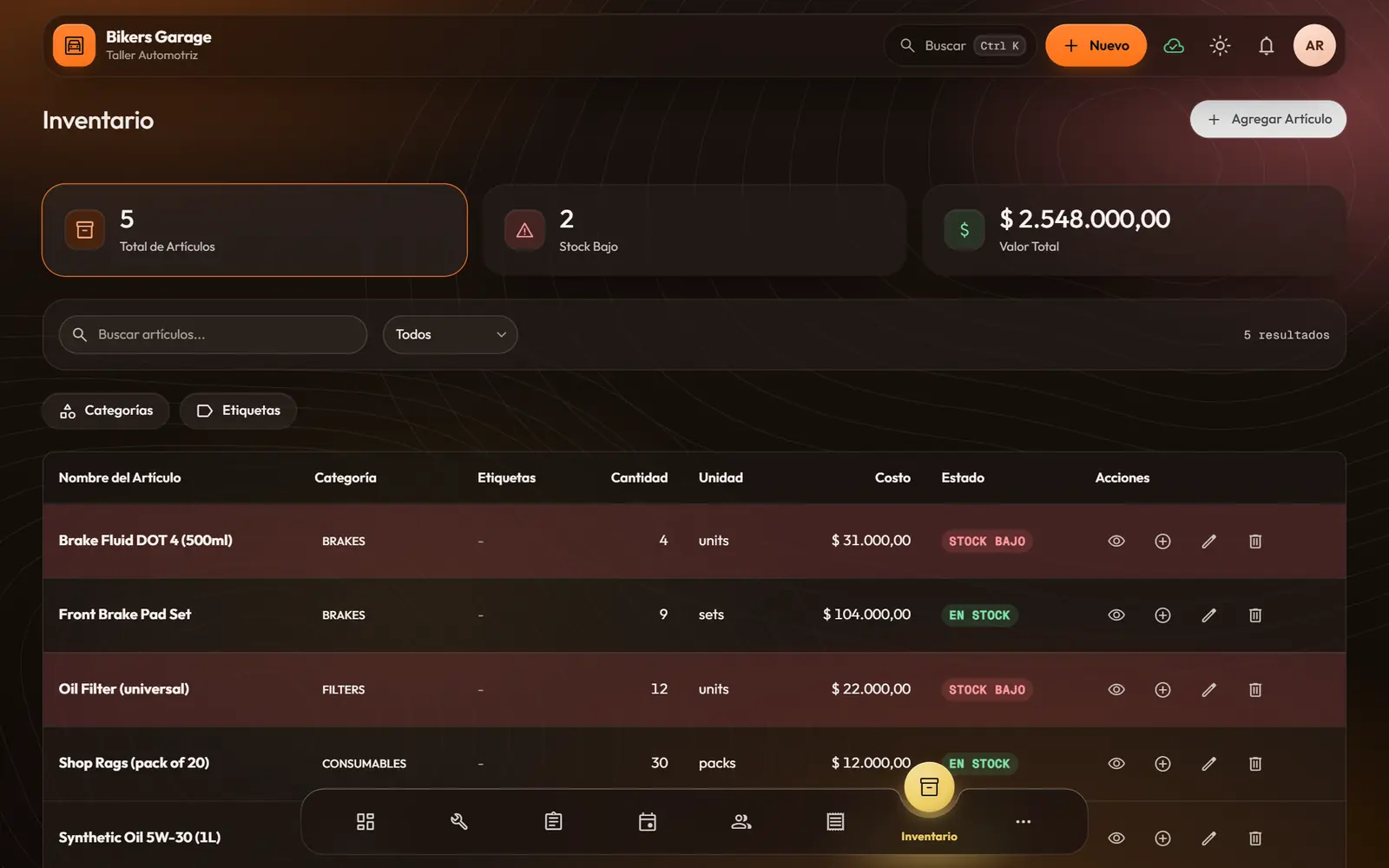
You find out something is running low before you run out of it.
- Items with code, unit, cost, minimum and maximum.
- Low-stock alerts on the dashboard and in notifications.
- Restock and record usage; what a service uses is taken out on its own.
- Categories, color tags and a preferred supplier.
- People who should not change stock see it read-only.
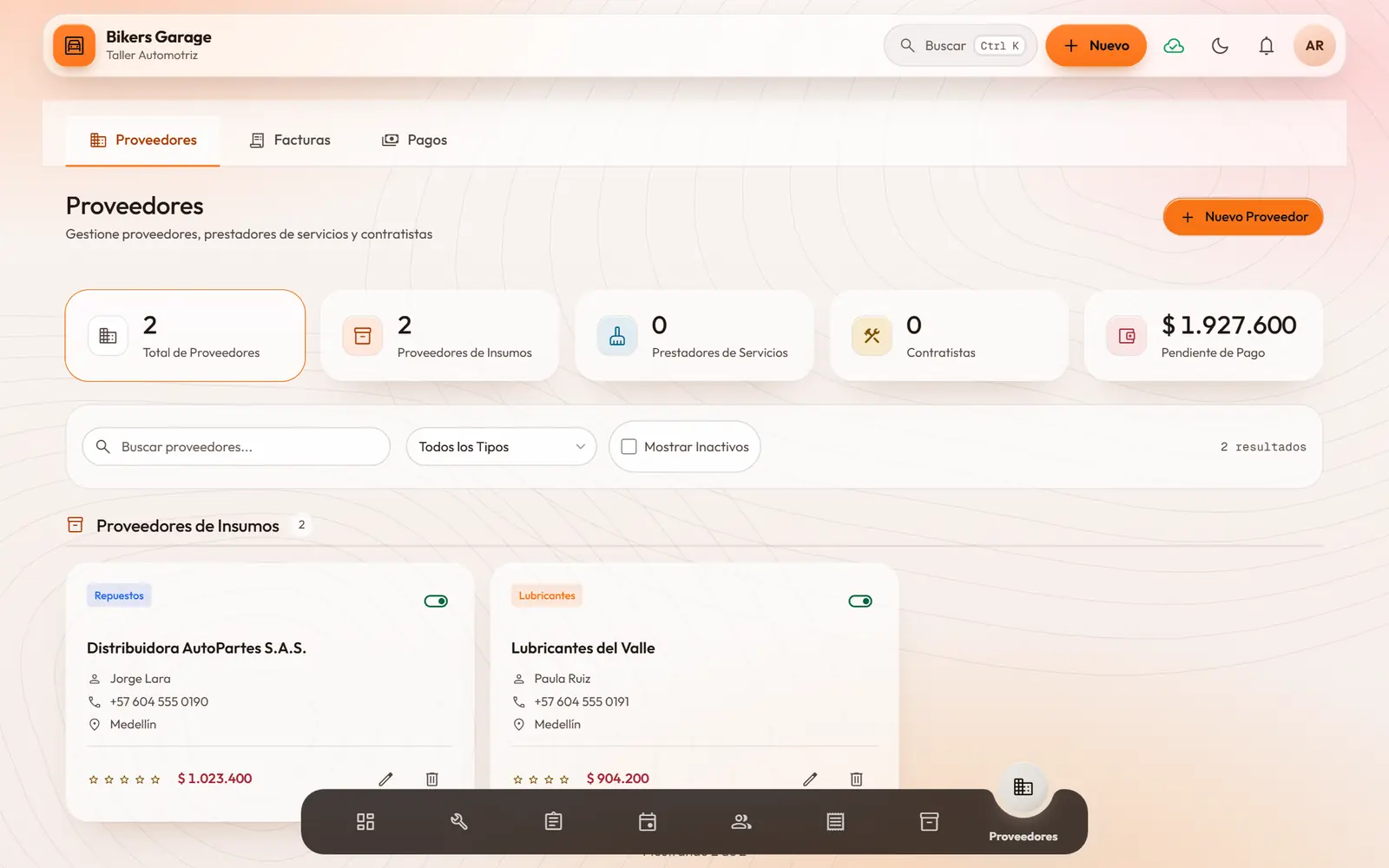
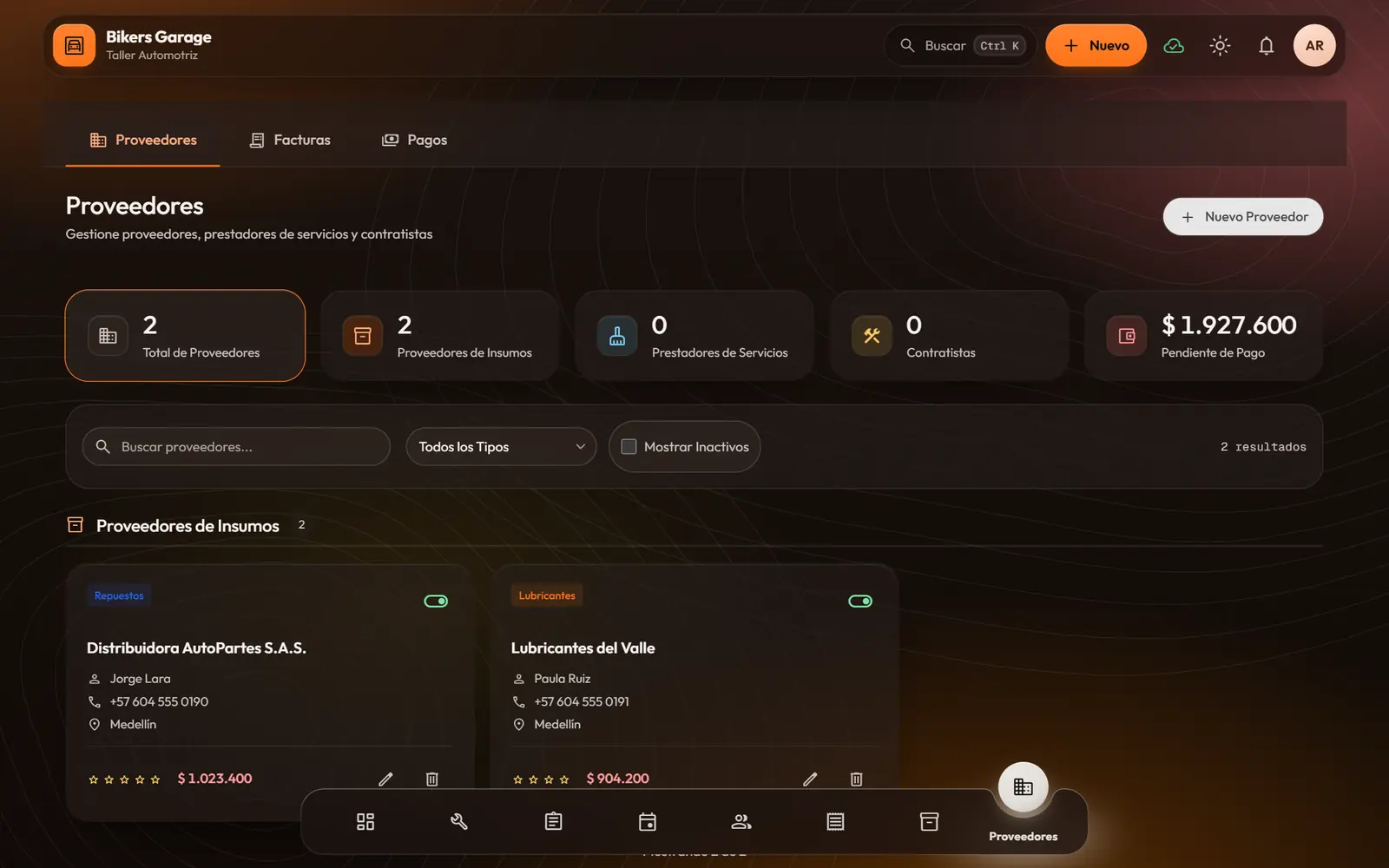
Suppliers
You know who you owe, how much and by when, without digging through statements.
- Supply vendors, service providers and contractors.
- Payment terms (immediate, 15, 30 or 60 days, or custom), bank details and credit limit.
- Supplier invoices and recorded payments, with their history.
- Clear balances: invoiced, paid, pending and overdue.
Team, roles and permissions
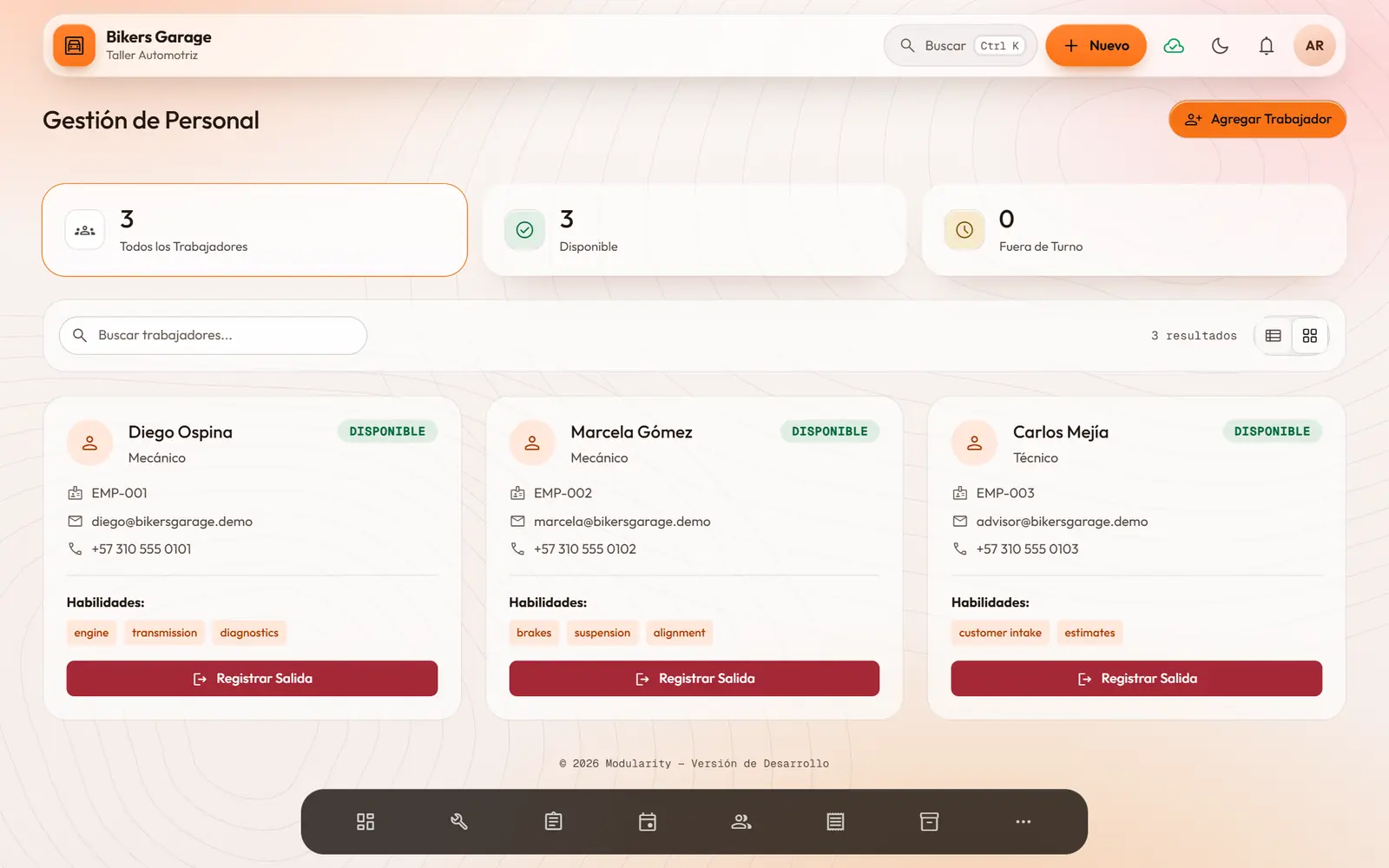
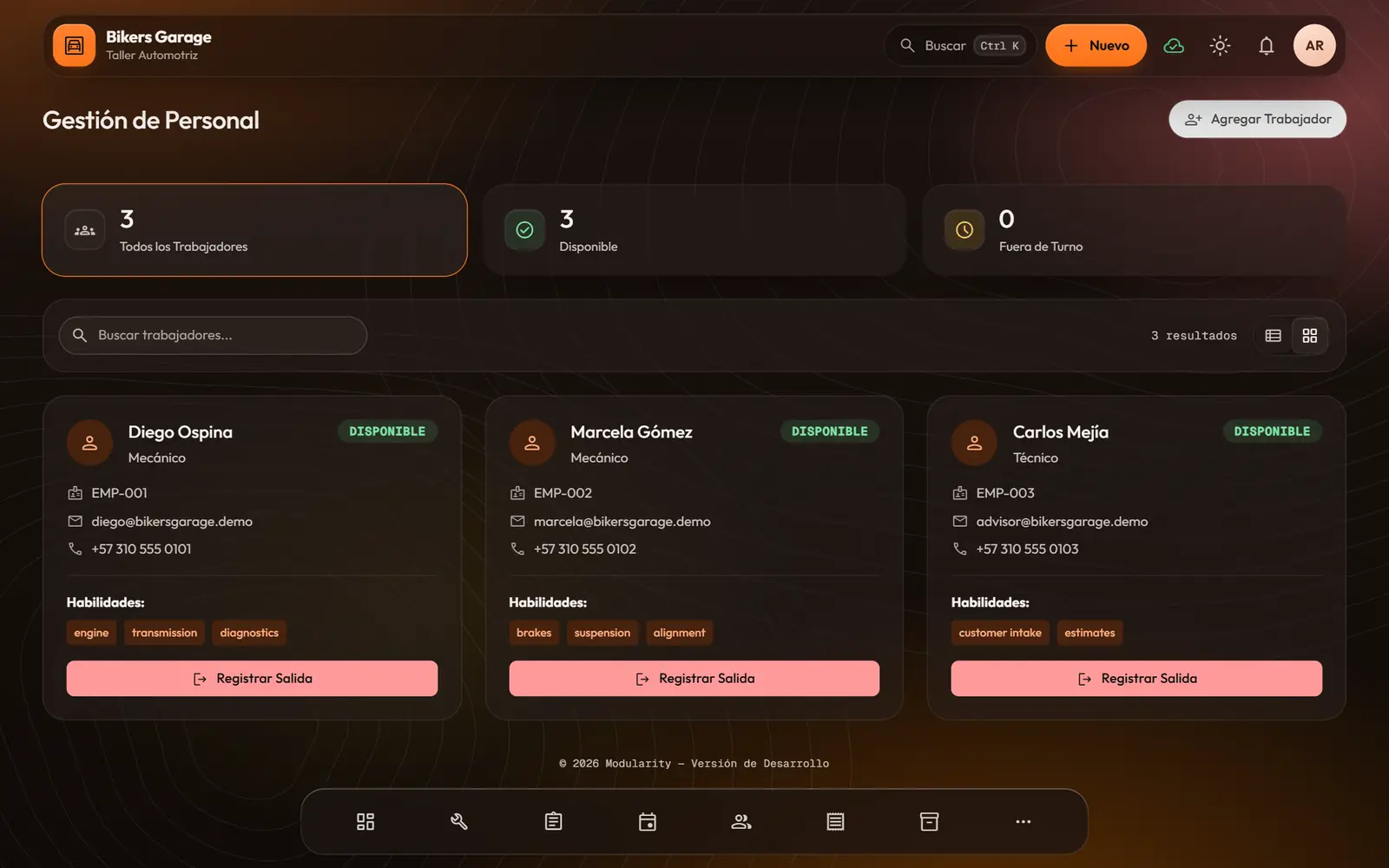
Everyone signs in to their own part, with their PIN, and sees only what is theirs to see.
- Team profiles with role, skills, certifications and hire date.
- Clock in and out, and a status: available, working or off duty.
- Admins sign in with email and password; the team with their name and a PIN.
- Built-in and custom roles, with a permission matrix per module.
- Menus and buttons follow the role: a mechanic sees their queue, a cashier their till.
Reports
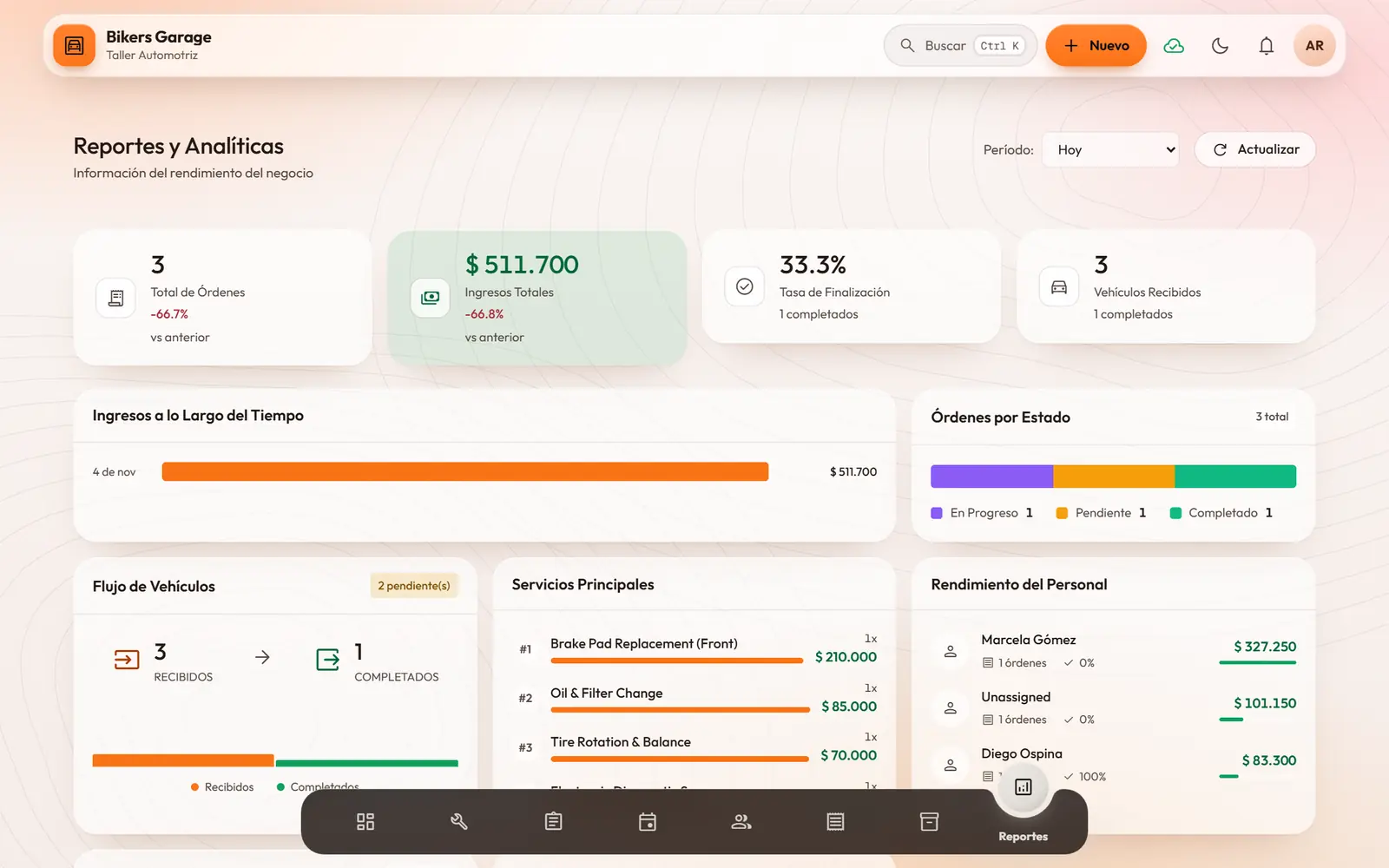
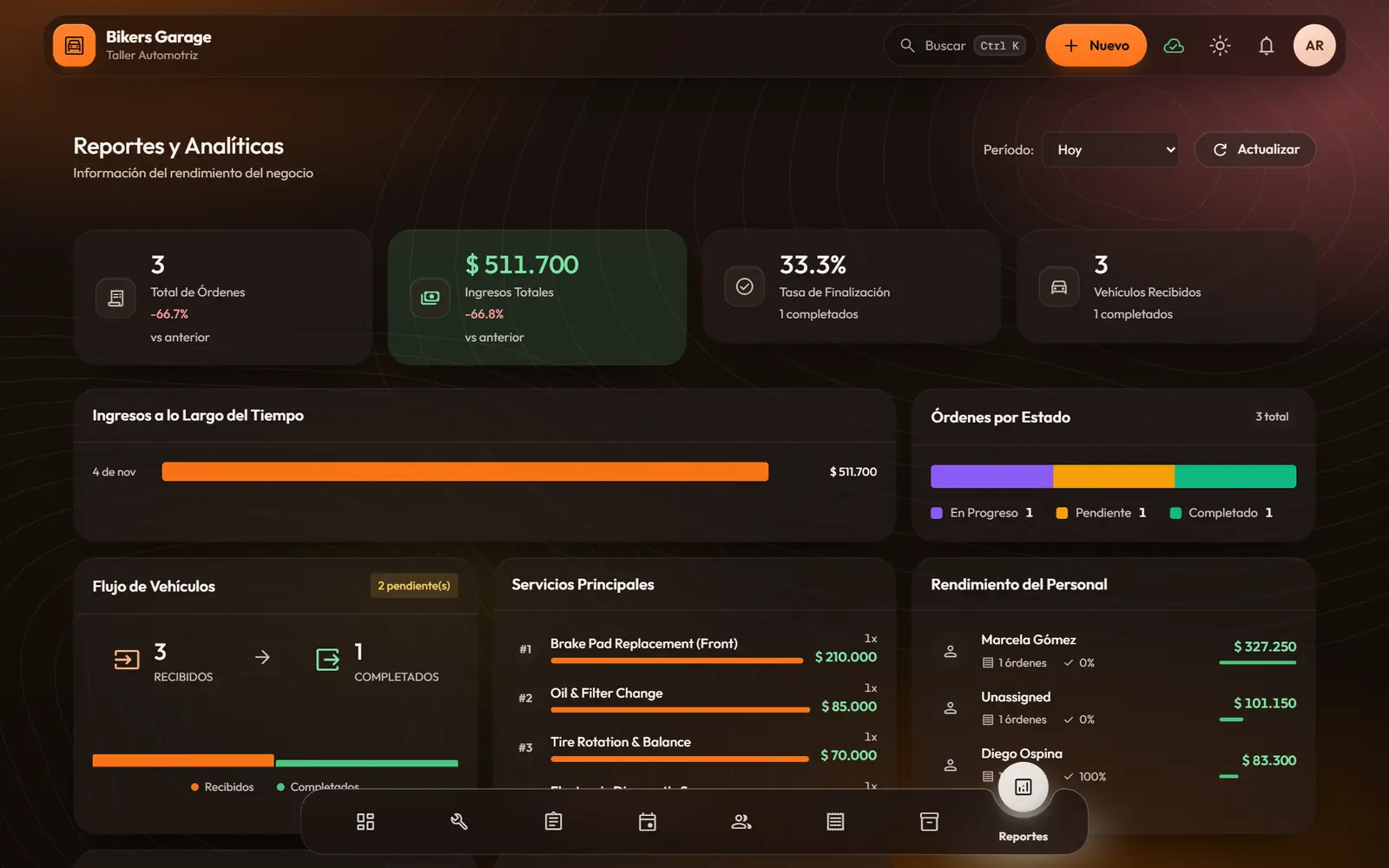
You understand your business with clear numbers, no spreadsheets needed.
- Day, week, month or year, always against the previous period.
- Revenue over time, order status, top services and team performance.
- Supplies used with their margin, and payments by method.
- Returning customers: return rate, new versus returning and your most loyal ones.
Notifications
What matters reaches you, when it happens.
- A real-time inbox with filters: all, unread and high priority.
- Alerts for appointments, orders that are ready or done, low stock, assigned work and blocked items.
- Mark one or all as read.
- Appointment confirmed
- Order ready
- Low stock
- Work assigned
- Item blocked
Your business, your rules
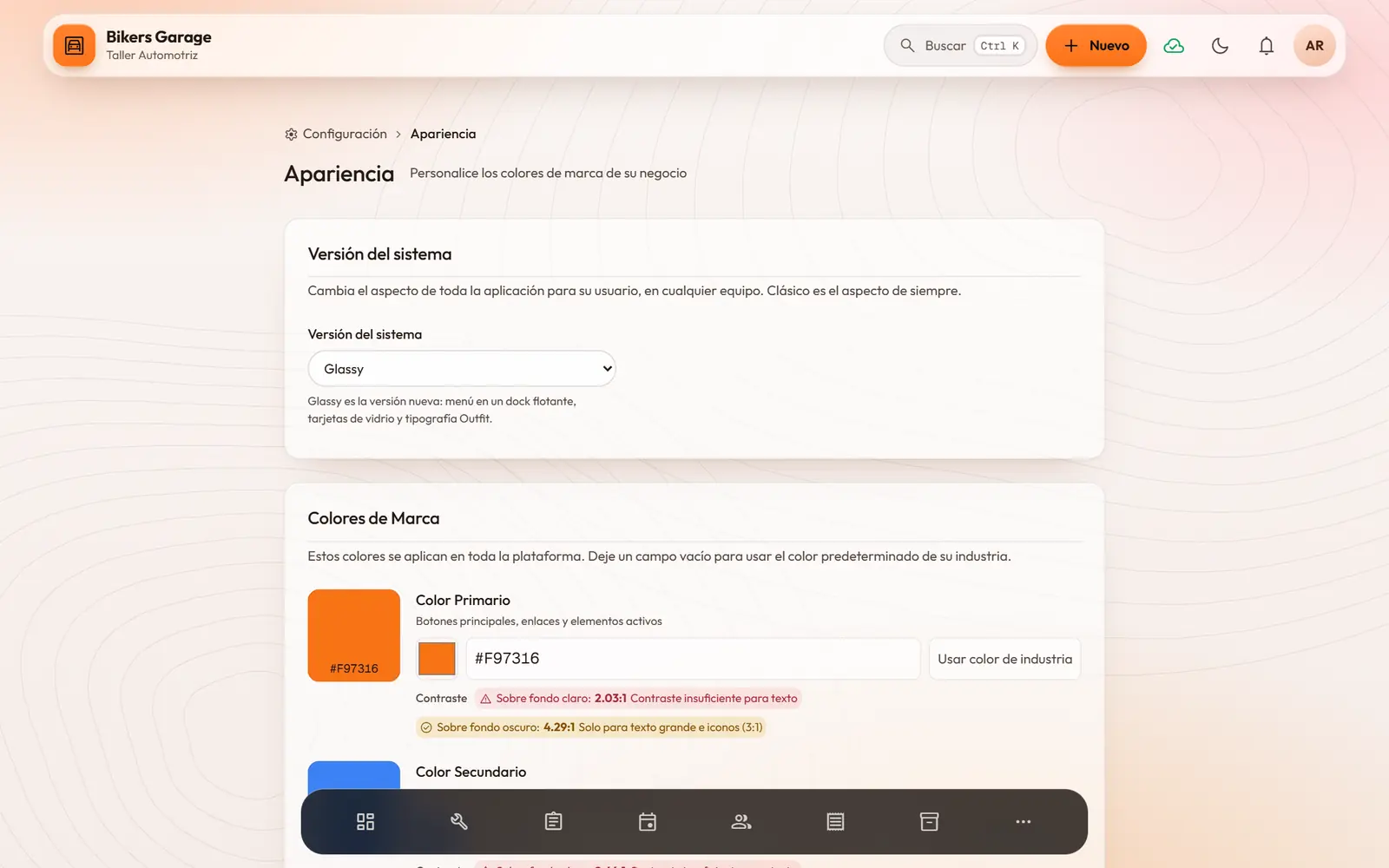
Modularity speaks like your business and wears your colors.
- A template per type of business: one click gives you your industry’s modules and names.
- Rename anything: table, vehicle, patient, chair…
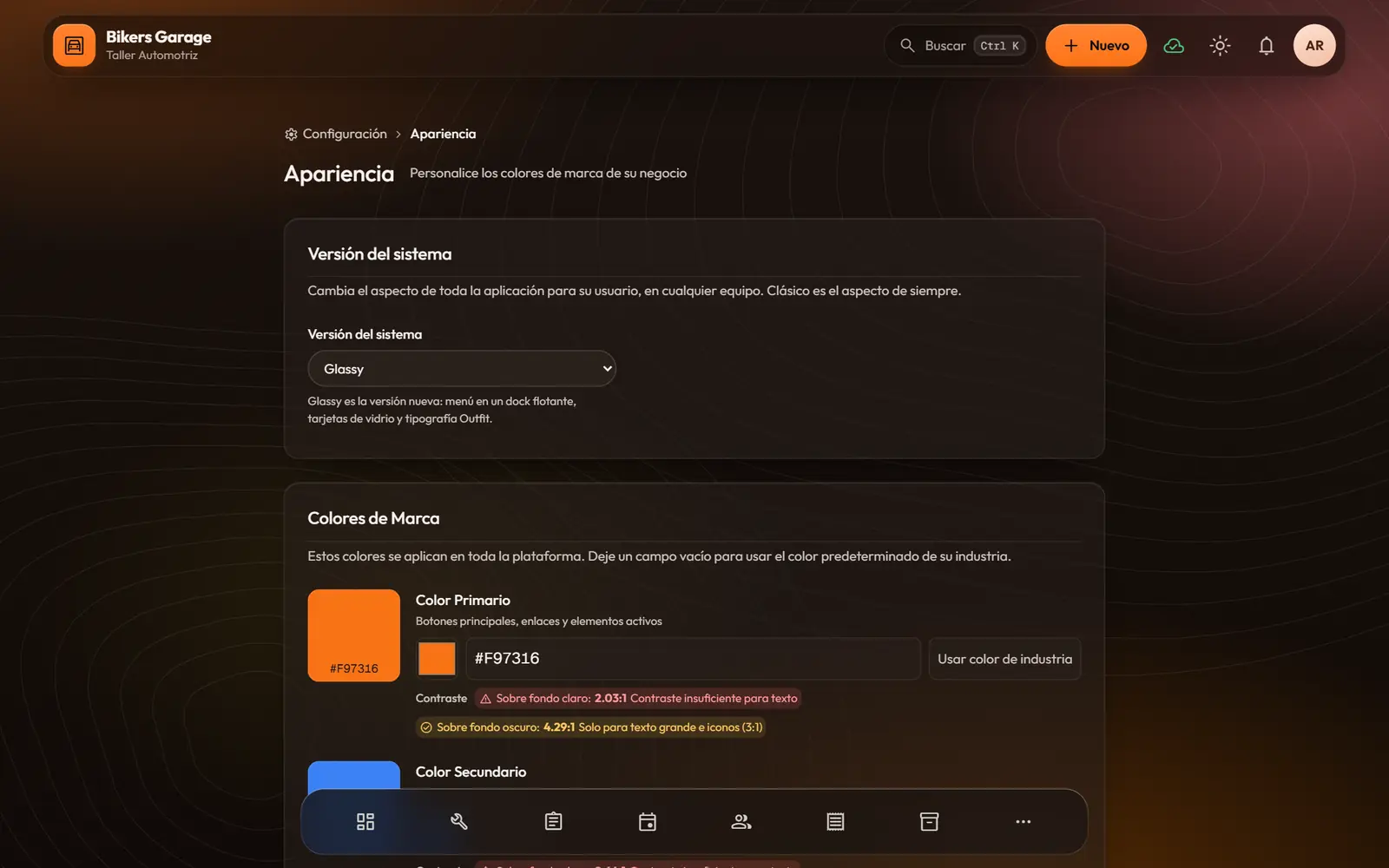
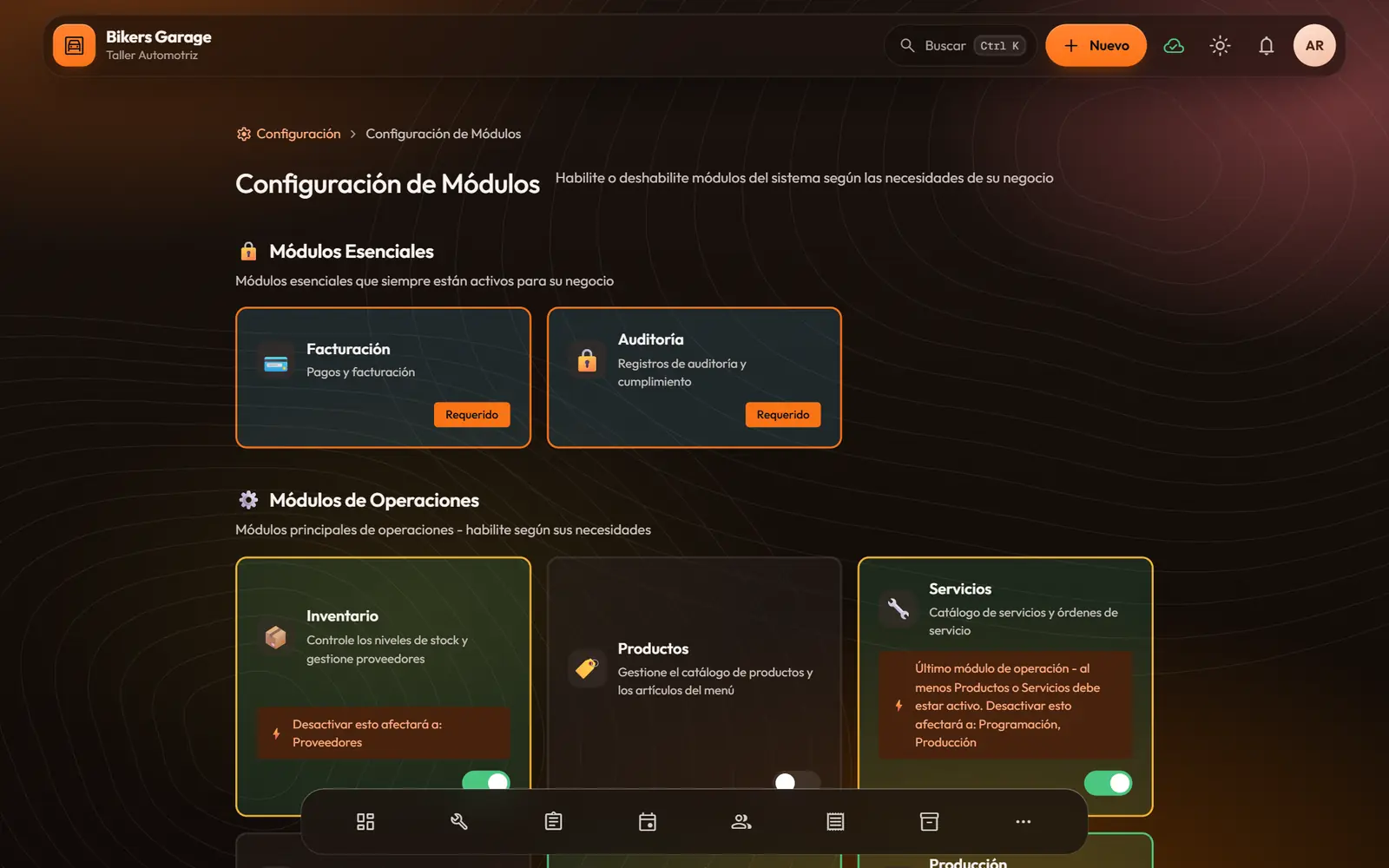
- Your brand colors, with a contrast check, and two visual styles: Classic and Glassy.
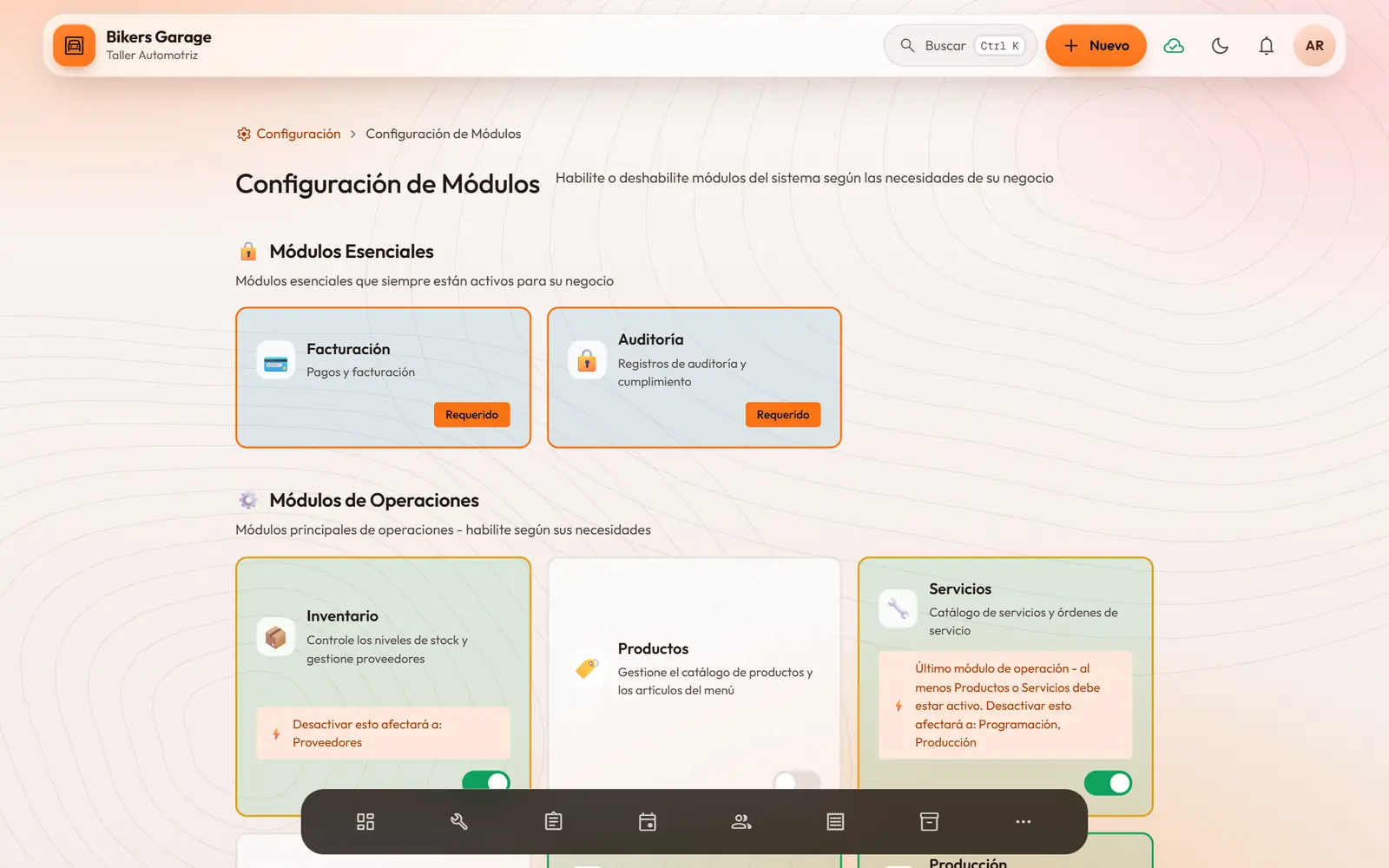
- Turn on only the modules you use.
- Work rules: required appointments, walk-ins, work queue, approvals, working days and deposits.
- Currency (COP, USD, EUR or MXN), language and regional format.
Across the whole system
- Quick searchCtrl K finds screens, actions, customers and bills.
- Keeps going offlineIf the connection drops, you keep working. Changes are saved and sync when it comes back.
- On any screenIt opens in the browser on a computer, tablet or phone, with nothing to install.
- Light and darkLight, dark or automatic mode, as each person prefers.
- Spanish and EnglishEach person picks their language.
- Big buttonsNavigate with the classic menu or with big buttons that suit touch screens.
Modularity · Prospects
A sales module to organize campaigns, prospects and follow-ups.
For those who want the technical details
- A web app built with Angular, with a Django server and a PostgreSQL database.
- Role-based permissions with own, team or full scope in every module.
- Offline mode: the app is stored in the browser and changes wait in a local queue until the connection is back.
- Voids and refunds are recorded; they are never deleted.
- Real-time notifications inside the app.
- Interface in Spanish and English, with configurable currency and regional format.
Let’s build your version of Modularity
Tell us how your business works and we will show you how it would look in Modularity.