Order
What comes in, what goes out and what is missing, all in the same place. No loose notebooks or lost chats.
Stable Beta · by 16 Ball Creations
Modularity brings orders, appointments, the work queue, inventory, cash and bills together in one place. So you stop chasing paper slips and see your whole business again.
The demo opens in your browser, with sample data and no sign-up.
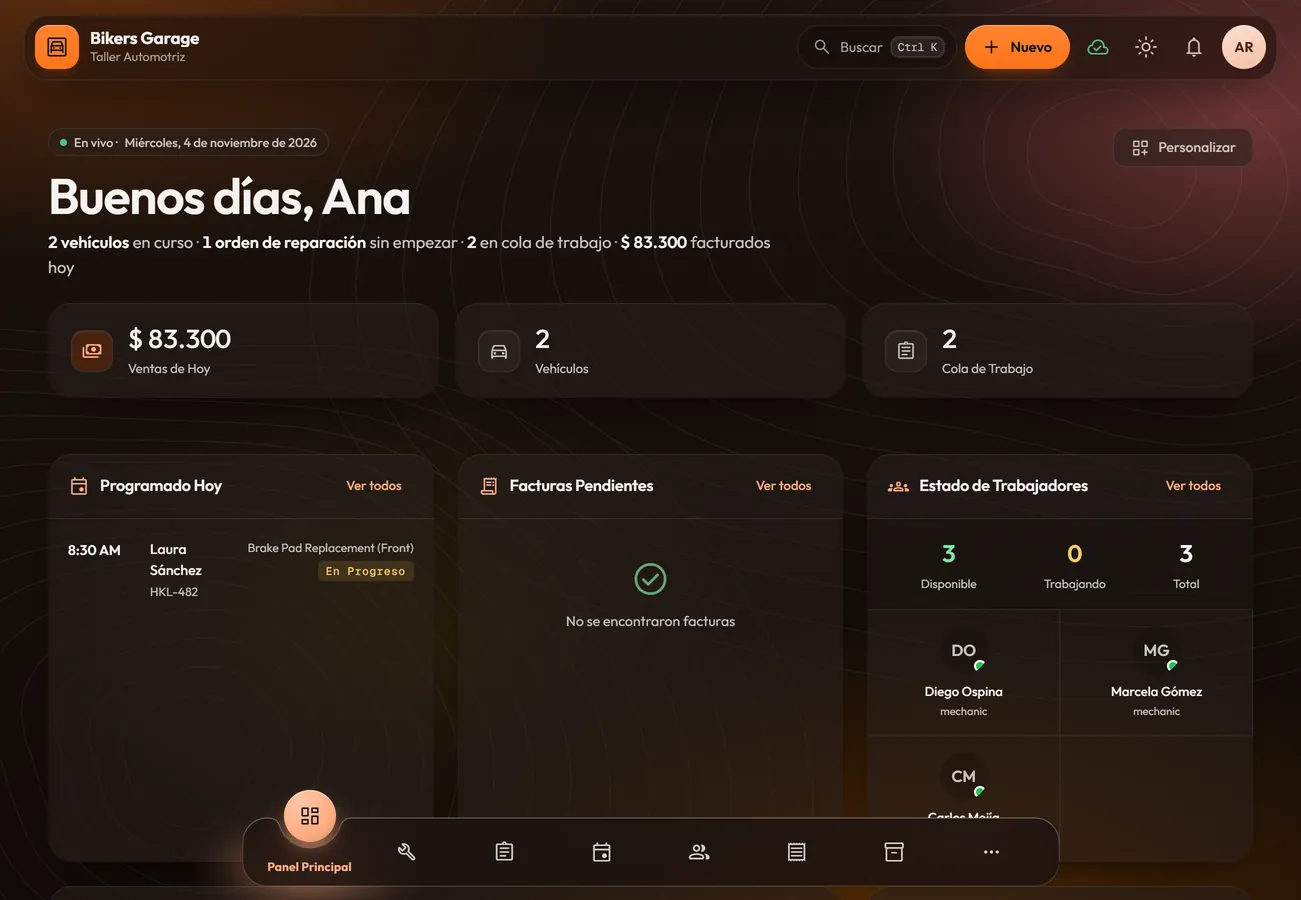
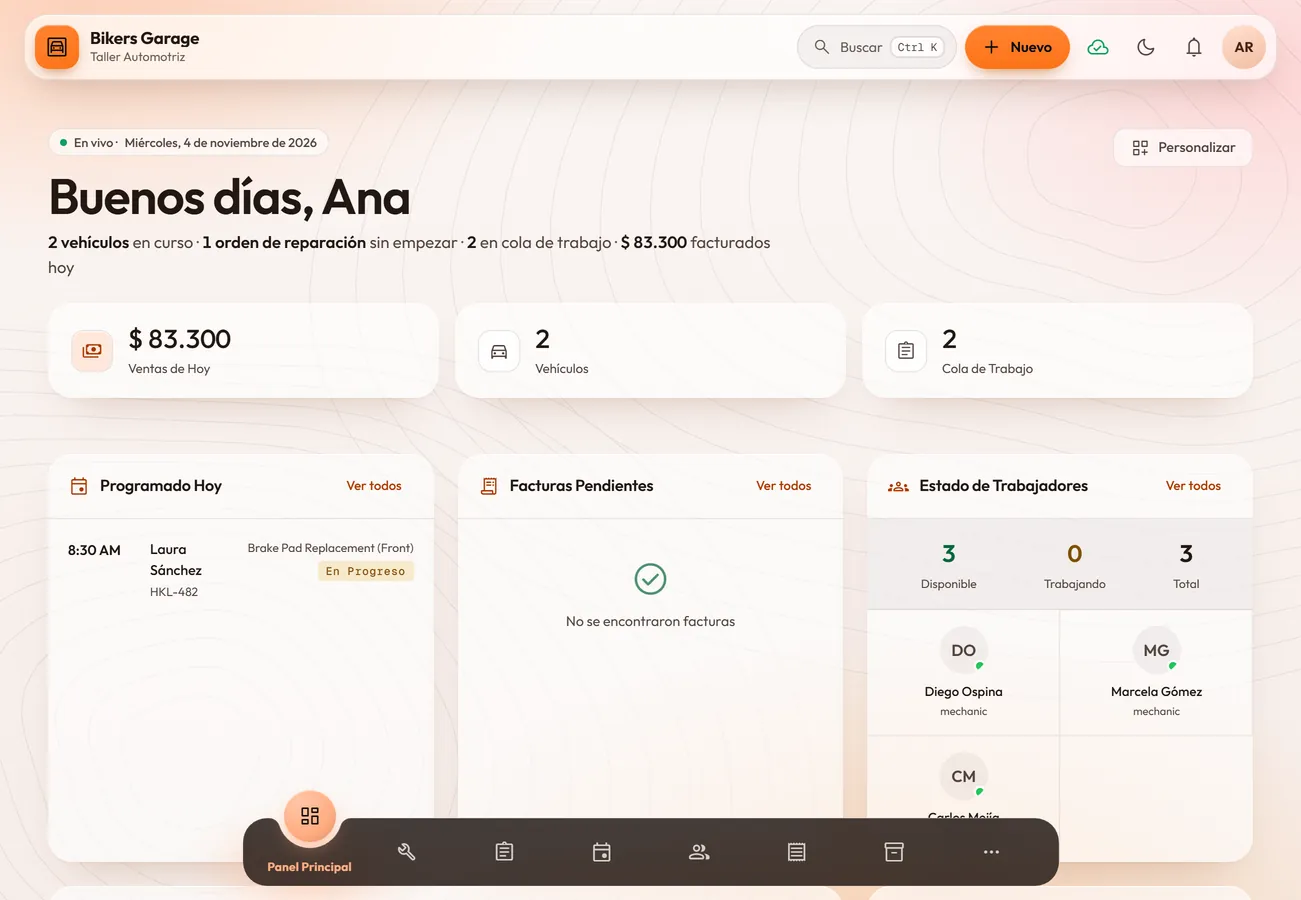
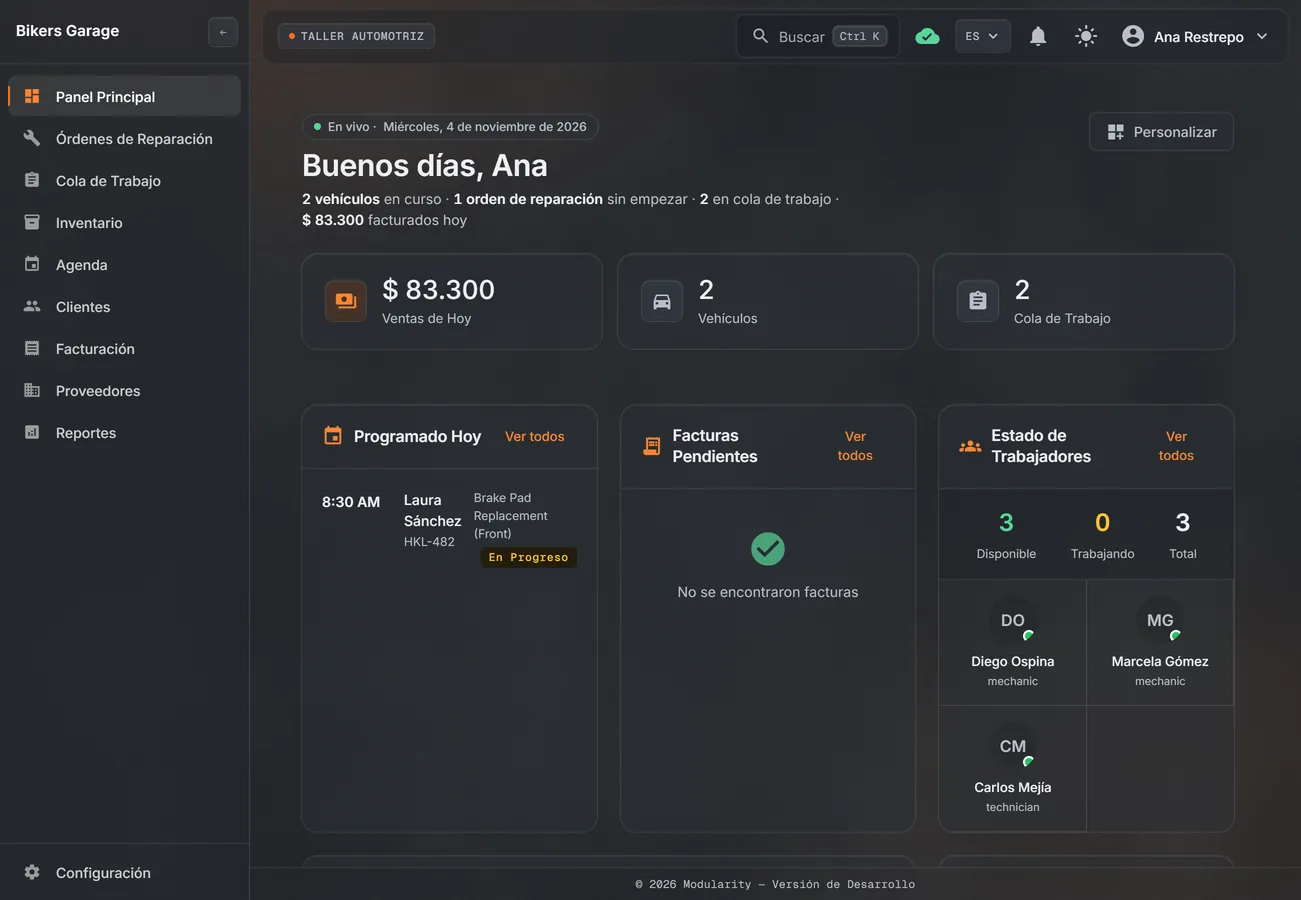
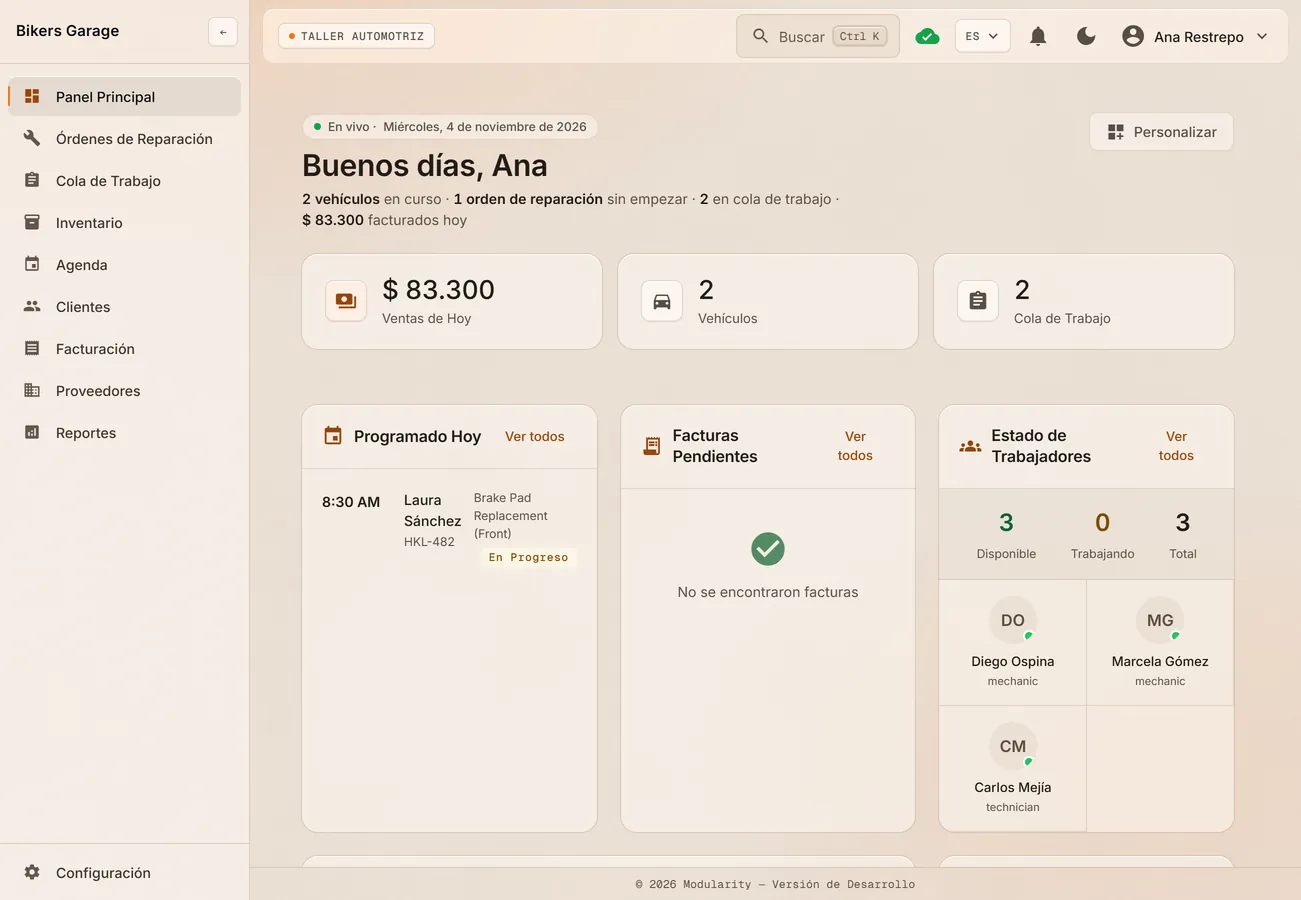
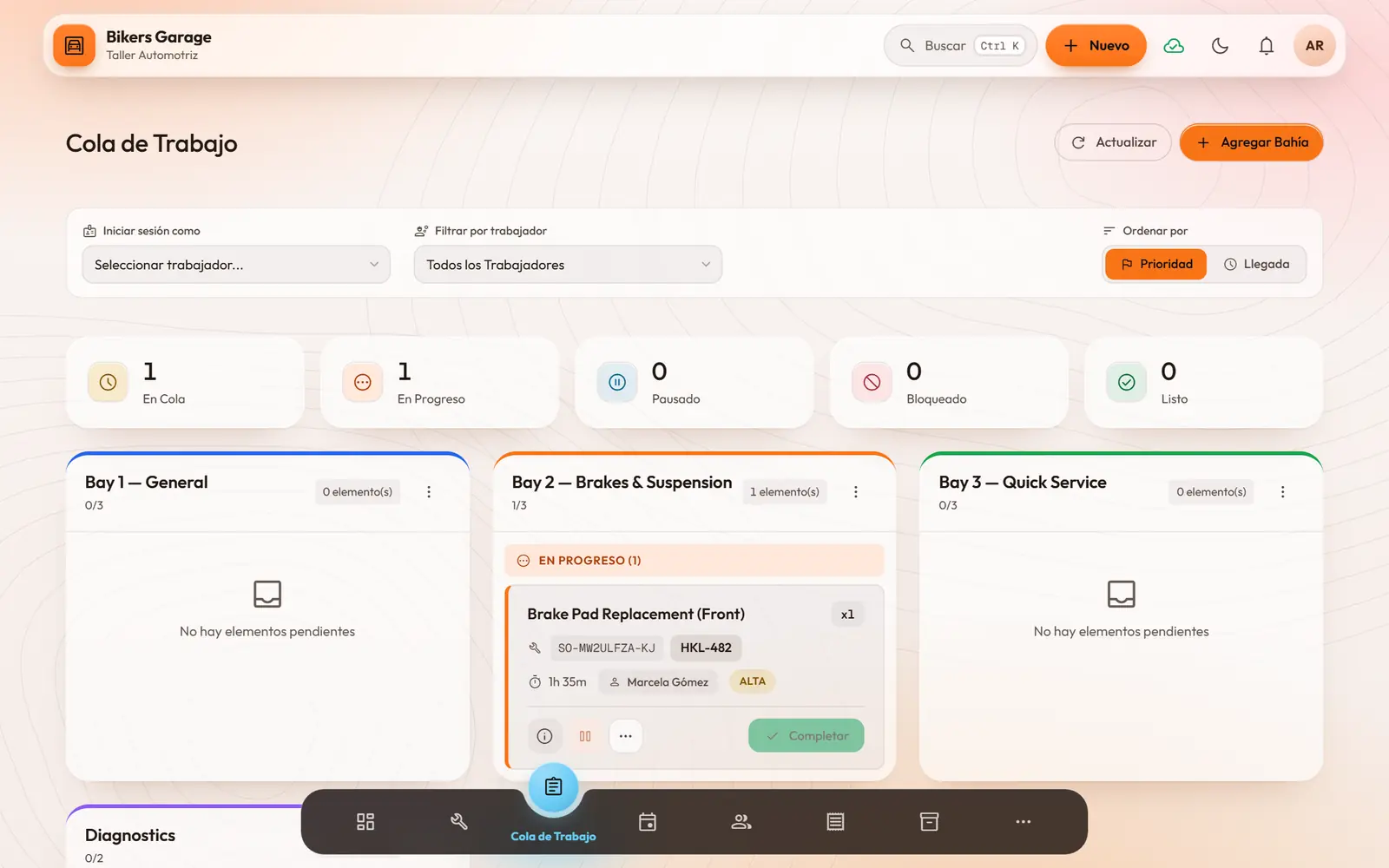
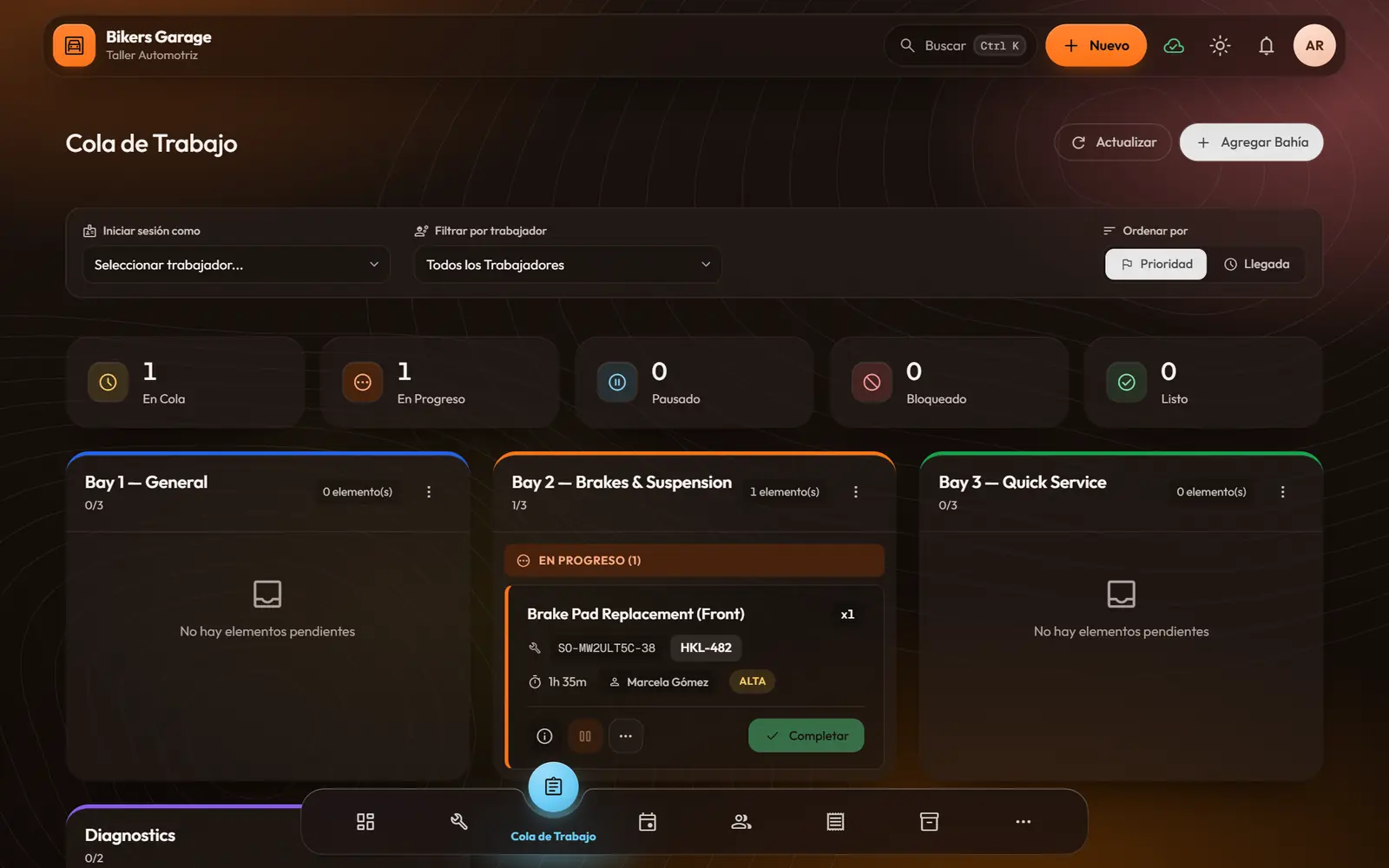
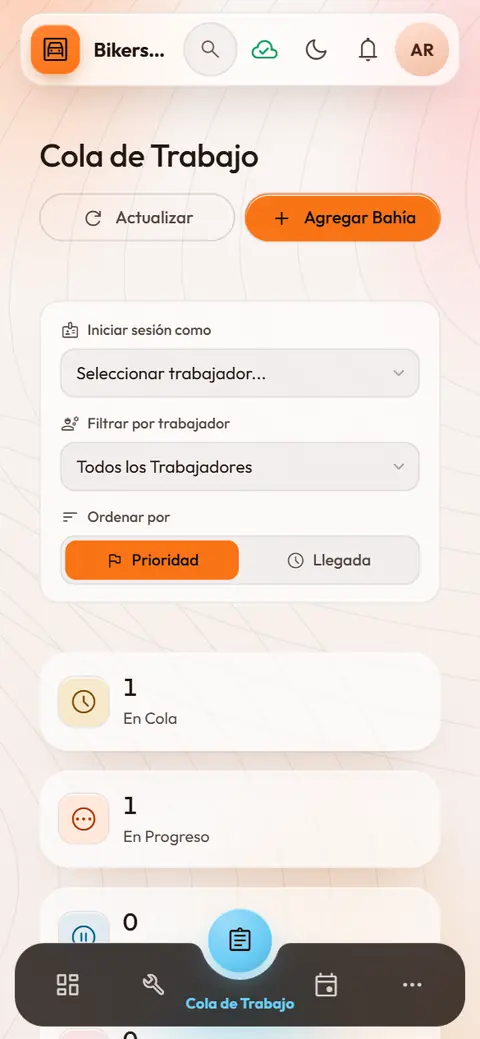
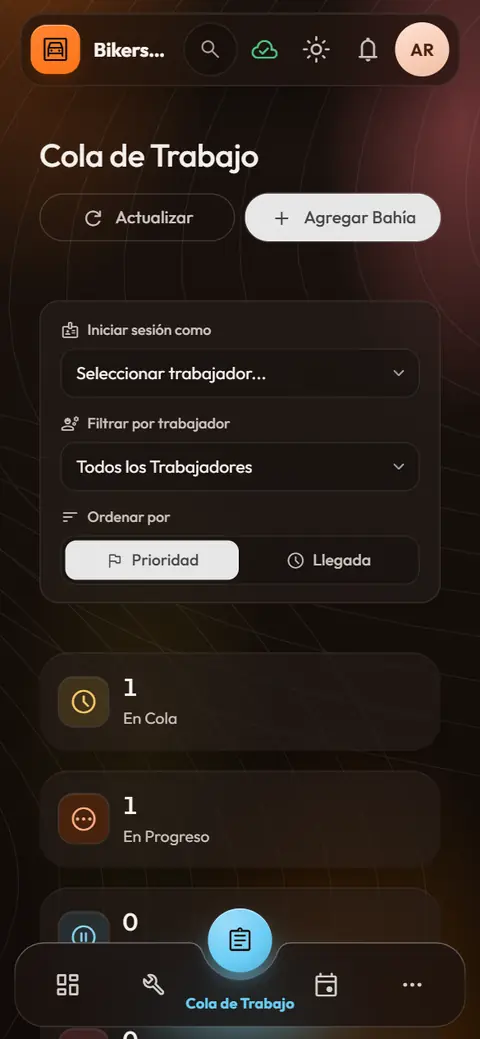
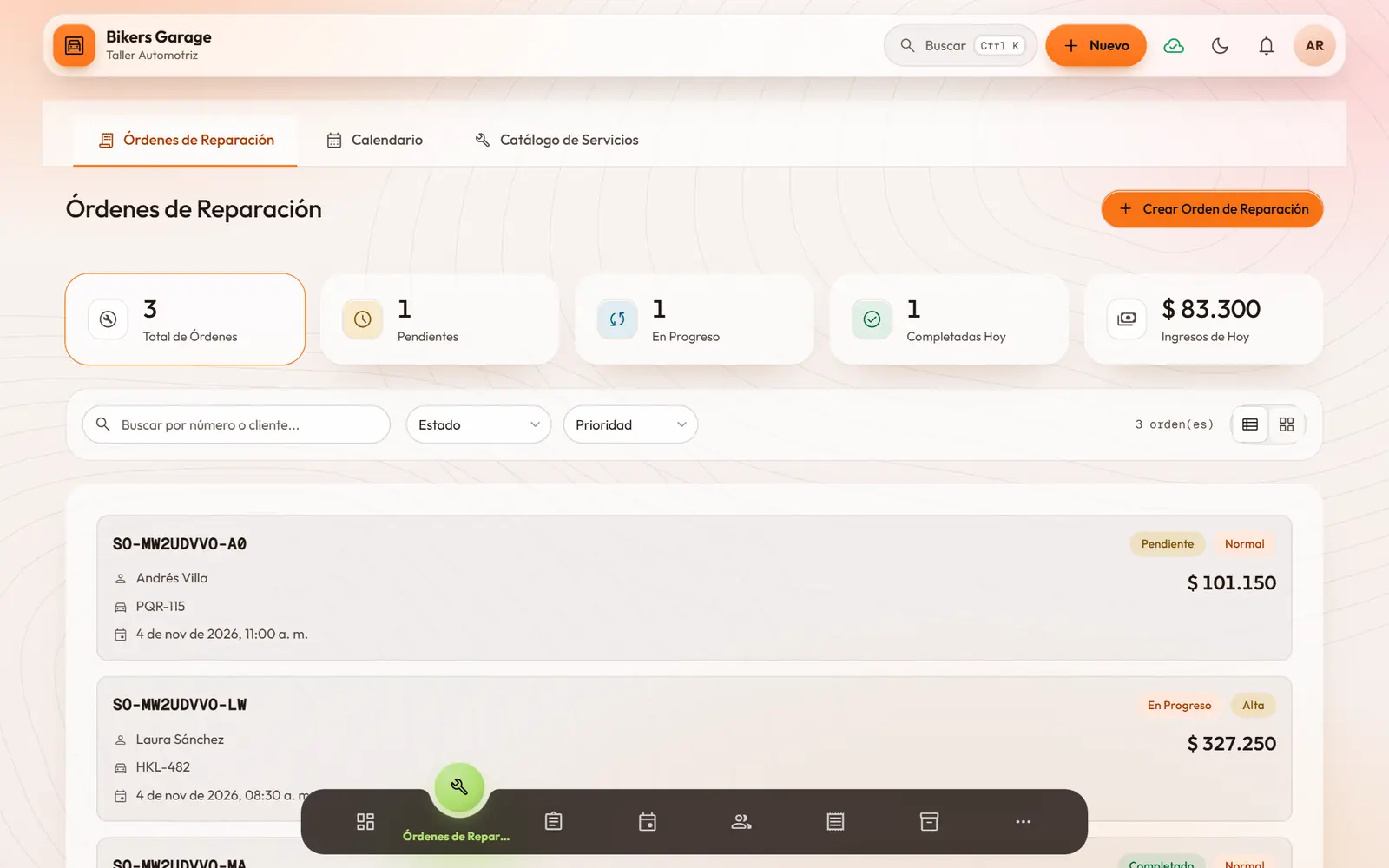
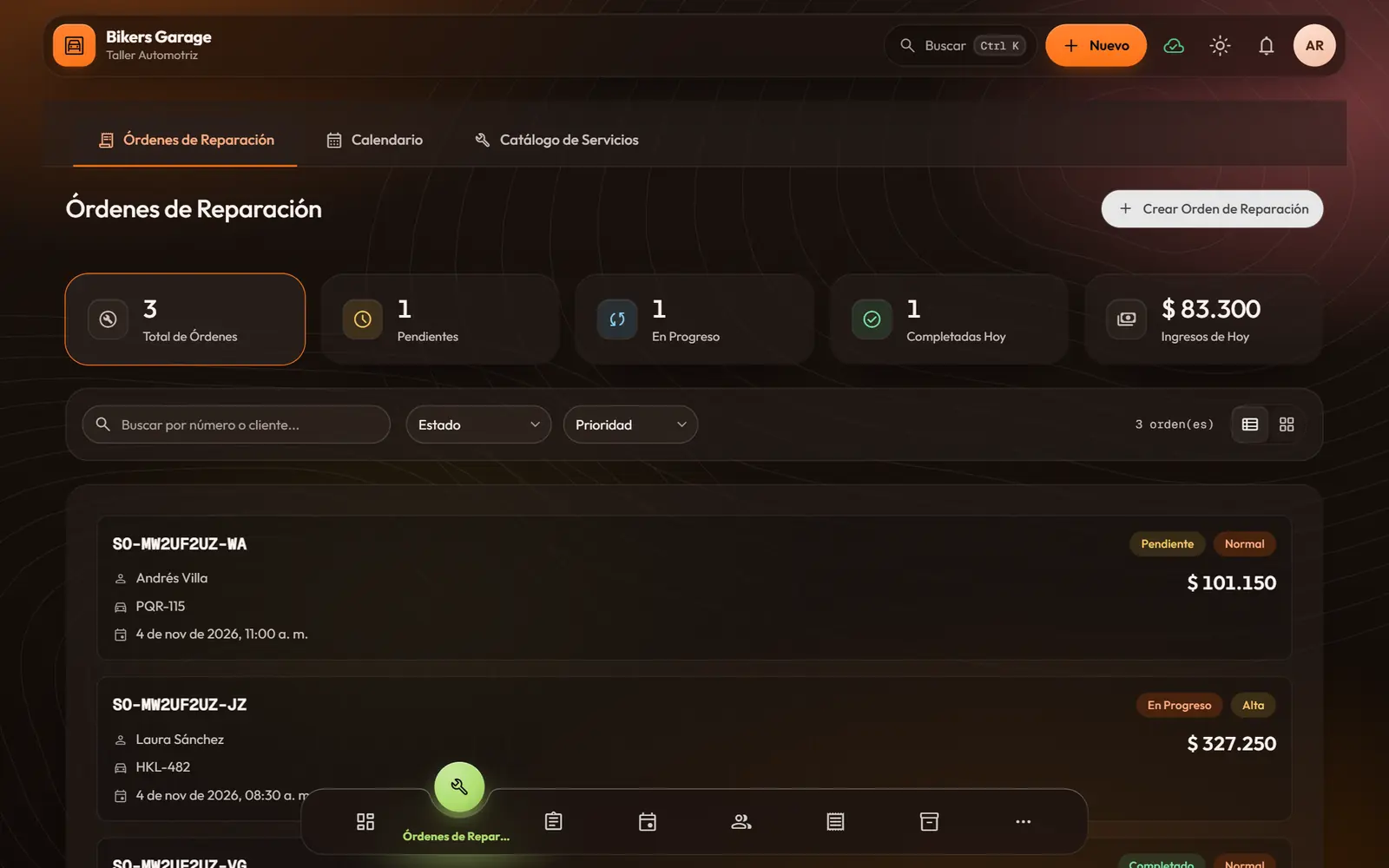
Glass or Classic, dark or light: everyone picks their look. Slide to compare.
What comes in, what goes out and what is missing, all in the same place. No loose notebooks or lost chats.
The day opens with the cash counted and closes balanced. You know what happened, even if you were not there.
Your team knows what comes next without asking you. You get back the hours that went into coordinating.
From the moment a customer walks in until they pay, every step tells the same story.
This is how a job moves through Modularity. The names change with your business; the flow does not.
With or without an appointment. Their profile is saved, and their car’s too, if they bring one.
What needs doing, with which parts or supplies, and by when.
The order goes to the queue. Everyone sees their part and marks their progress.
The bill comes from the order. Cash, card or transfer, with partial payments if needed.
Expected versus counted. And reports show you how it went.
Turn on the ones you use. Each does one thing and does it well.
Your café has tables and a kitchen queue; your shop, vehicles and bays; your practice, patients. Modularity uses your words and your colors.
Kitchen and floor speak the same language, even at rush hour.
TablesWaitersOrdersReservationsEvery vehicle with its story, and every mechanic knows what comes next.
VehiclesService advisorsMechanicsRepair ordersA calendar that never double-books and customers who feel remembered.
ClientsReceptionistsStylistsAppointmentsLess time at the front desk and more time with each patient.
PatientsReceptionistsDoctorsVisitsIt works on a computer, a tablet and a phone. And if the internet drops, it keeps working.
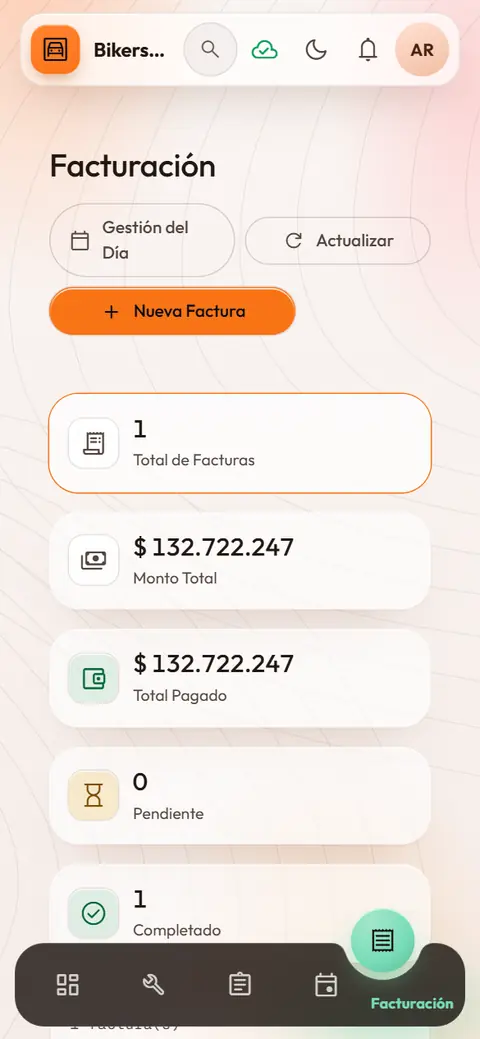
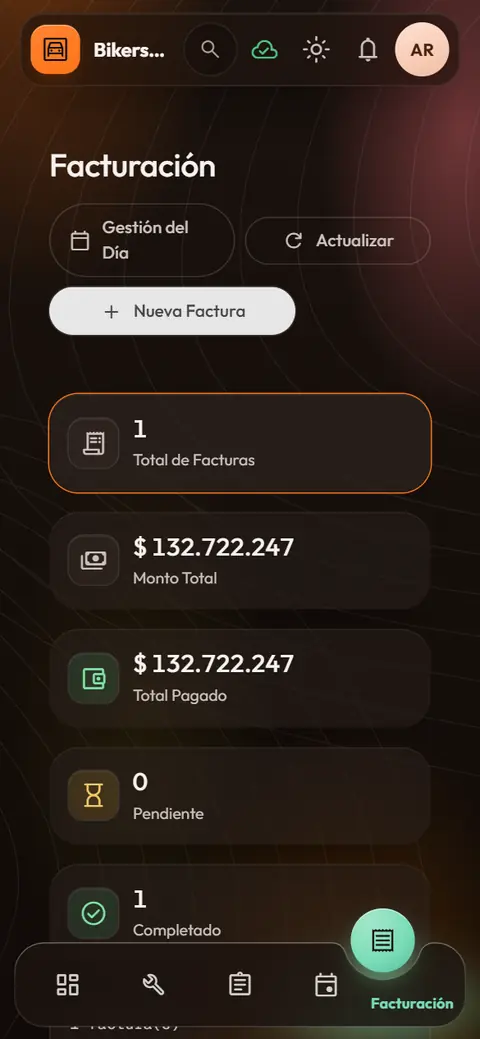
Demo
Bikers Garage is a sample shop with real customers, orders, bills and a work queue. Sign in as the owner, a service advisor or a mechanic and see how each one’s view changes. Nothing breaks: it all lives in your browser and resets when you close it.
Modularity was born as an idea in 2015. It had a first version, built with Angular and PHP, that was lost; all that remained was the document with its structure.
Today it is a new vision of that same idea, rebuilt from scratch with everything learned along the way. It came back stronger: it is a stable Beta and in active development.
A sales module to organize campaigns, prospects and follow-ups.
A system to run your business in one place: orders, service orders, appointments, a work queue, inventory, suppliers, customers, cash, bills and reports. It is made by 16 Ball Creations, a brand and web studio in Medellín, Colombia.
It has templates for cafés and restaurants, repair shops, salons and barbershops, clinics and practices, shops, carpentry and production workshops, and mining operations. Each template brings that industry’s modules and names, and you can change them.
No. Modularity opens in the browser on a computer, tablet or phone. It is not an app-store app: it is a web app that adapts to each screen.
Yes. If the connection drops you can keep working: changes are saved on the device and sync when the internet is back. If two changes clash, the system asks you which one to keep.
Tell us how your business works and we will show you how it would look in Modularity.